4
4
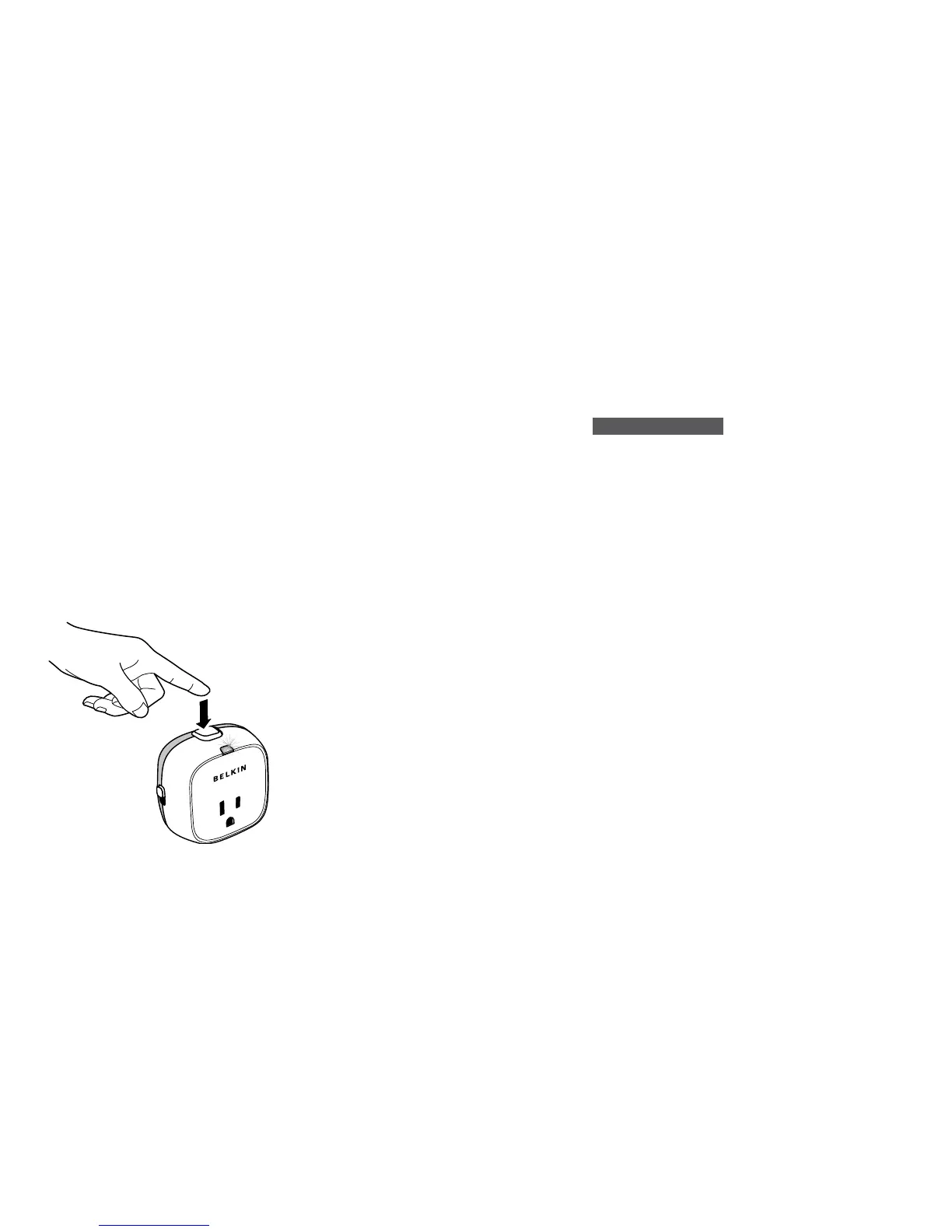
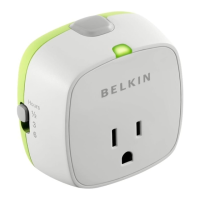
Push the start button on the top of
your Conserve Socket. Once you’ve
done this, the LED will illuminate
green and power will flow to your
attached device.
NOTE: The start button does not
turn off the Conserve Socket once
the timer is activated. To turn off the
timer immediately without waiting for
the timer interval to elapse, unplug
the Conserve Socket.
5
Once the countdown timer
reaches zero, your Conserve
Socket will power down and the
LED will turn off.
NOTE: When sitting idle the
Conserve Socket uses no power.
PRODUCT FEATURES
.
Zero power consumption when not
in operation
.
Timer selection switch – ½, 3, or 6 hours:
-
30 mins for safety and power savings.
This helps to limit the time that
appliances may otherwise be left on
indefinitely.
-
3 and 6 hours for helping to make
existing chargers more energy-efficient.
.
Start push button
.
Green LED light when Conserve Socket
is active
.
Standard U.S. 3-pin power outlet compliant
.
Does not obstruct the lower outlet of a
standard U.S. power outlet when plugged
into the top outlet
.
Low operating power consumption


 To Next Page