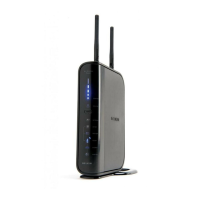
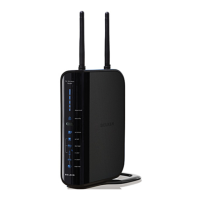
The Router has been designed to be placed on a desktop. All of the
cables exit from the rear of the Router for better organization and
utility. The Network Status Display is easily visible on the FRONT
of the Router to provide you with information about network activity
and status. See the Network Status Display Guide for more
detailed information.
(A)
(B)
(C)
(D/E)
(F)
(G)
A. Wireless Security
OFF Wireless security is off
Solid Blue Wireless security is on
B. Wireless-Computer Status
OFF Wireless computer is not present
Solid Blue Wireless computer is connected to
the Router
Blinking Amber Problem with wireless computer
connecting properly to the Router
C. Wired-Computer Status
OFF Wired computer is not present
Solid Blue Wired computer is connected to
the Router
Blinking Amber Problem with wired computer connecting
properly to the Router



 To Next Page
 Loading...