4
EN
FR
DE
NL
ES
IT
Software Installation for Windows
Before you begin, be sure that:
1. The Switch is not connected to your computer;
2. The Switch supports your operating system; and
3. Your USB devices are compatible with your connected computers.
To install the software:
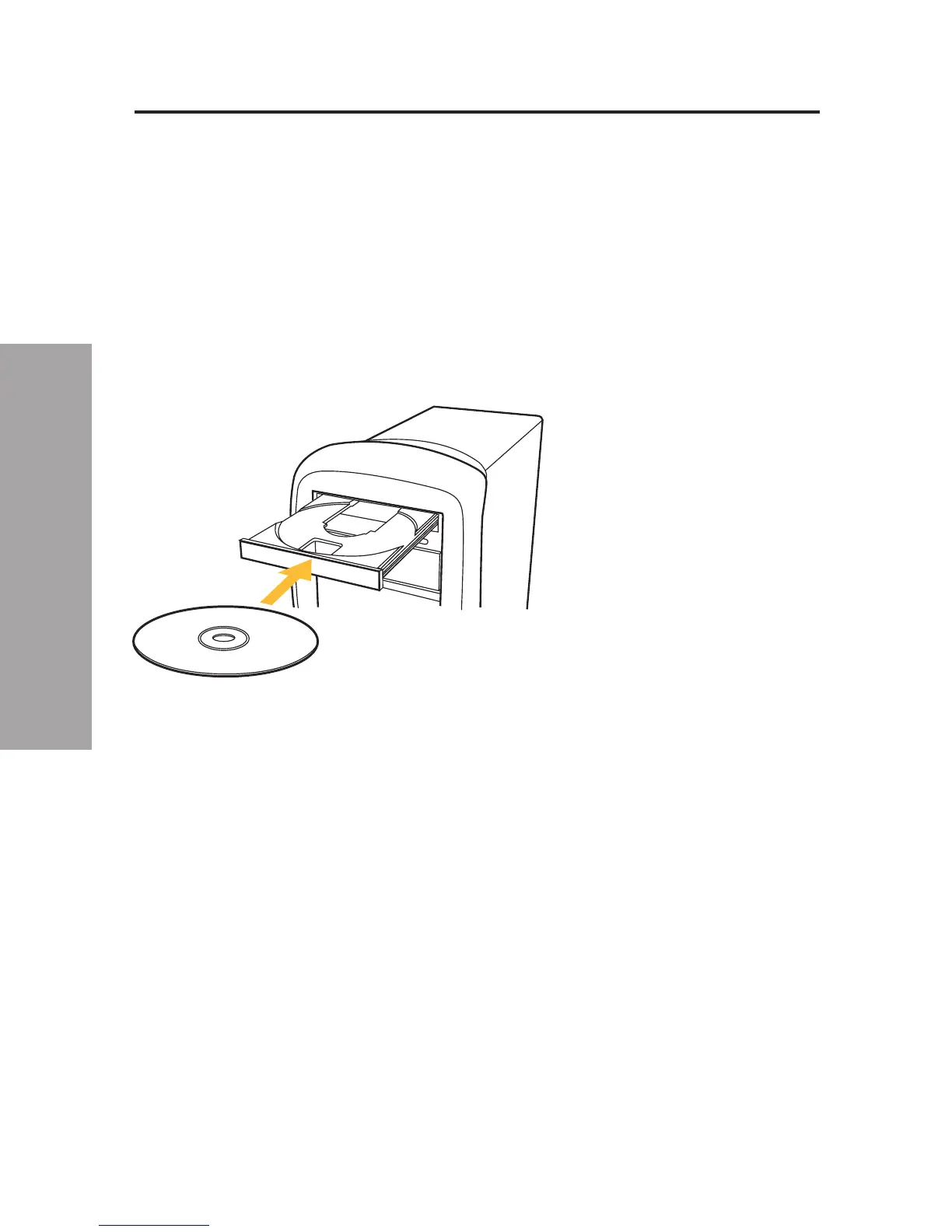
1. Place the CD in the CD tray in your PC.
2. Double-click on “My Computer”.
3. Double-click on the CD-ROM drive.
4. Double-click on the file name “Setup.exe”.




 To Next Page