31
Limiting the wireless transmit rate – Limiting the wireless
transmit rate can help improve the maximum wireless range, and
connection stability. Most wireless cards have the ability to limit
the transmission rate. To change this property, go to the Windows
Control Panel, open “Network Connections” and double-click on
your Adapter’s connection. In the “Properties” dialog, select the
“Configure” button on the “General” tab, then choose the “Advanced”
tab and select the rate property. Wireless client cards are usually
set to automatically adjust the wireless transmit rate for you, but
doing so can cause periodic disconnects when the wireless signal
is too weak; as a rule, slower transmission rates are more stable.
Experiment with different connection rates until you find the best
one for your environment; note that all available transmission
rates should be acceptable for browsing the Internet. For more
assistance, see your wireless card’s literature. If issues persist
even at close range, please contact Belkin Technical Support.
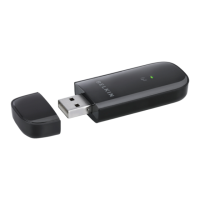
The Adapter does not perform or connection is unstable
®
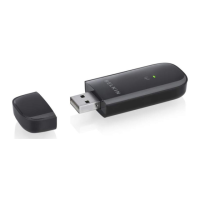
This condition occurs if your computer has a built-
in wireless card while your Belkin Play Wireless USB
Adapter is also active. This happens because Windows
must now handle two active wireless connections.
You must disable the built-in wireless card from your computer
under “Network Adapters” in the Device Manager.






 To Next Page