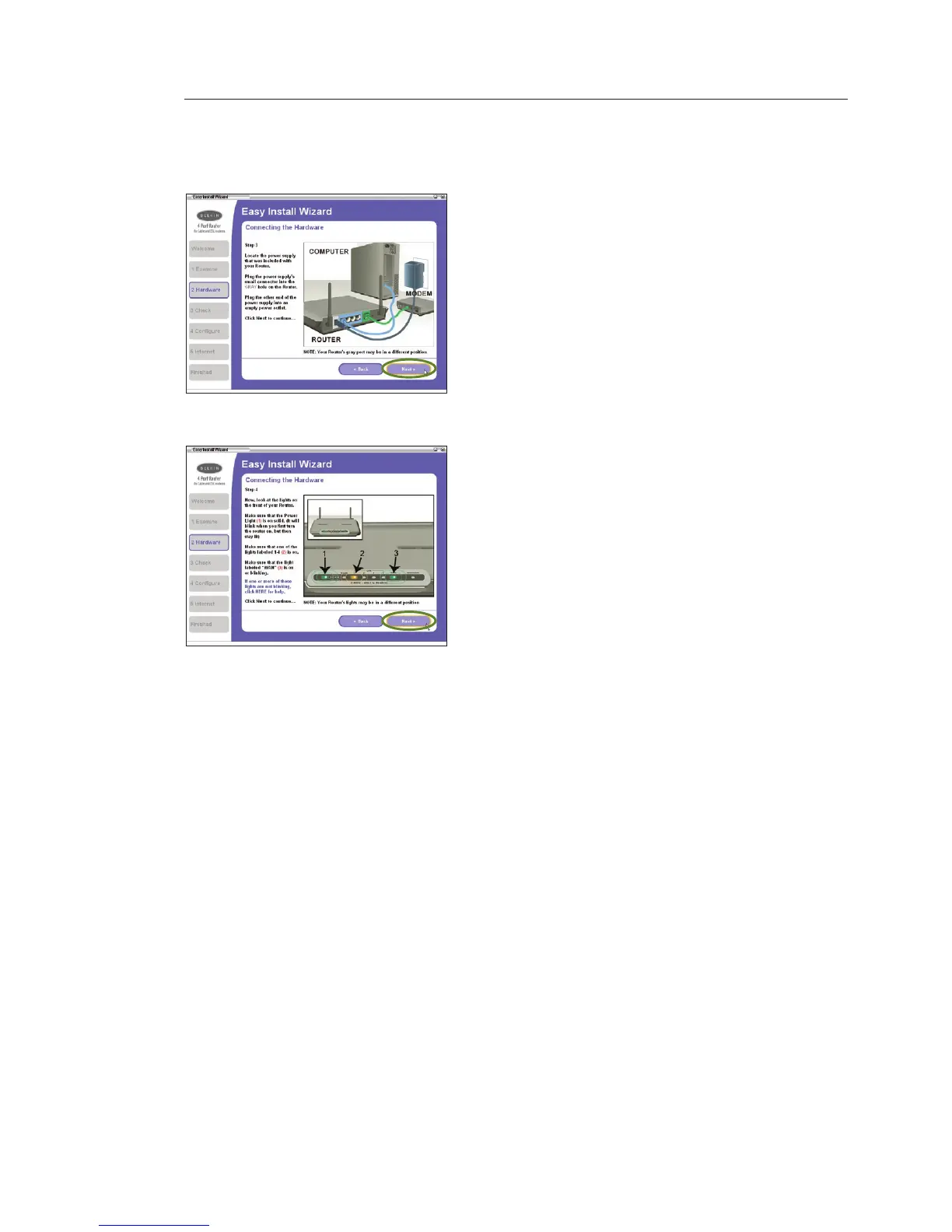
2.3 This step instructs you to locate
the power supply that is included
with your Router. Plug the power
supply’s small connector into the
power port on the Router. Plug the
power supply into an empty power
outlet. Click “Next” to continue.
2.4 This step instructs you to look
at the lights on the front of your
Router. Make sure the appropriate
lights are ON. Refer to the Easy
Install Wizard software on your
computer’s screen for more details.
Click “Next” to continue.
Note: The Easy Install Wizard may
ask you to reboot your computer. If
it does, reboot your computer and
proceed with the installation.









 To Next Page