Using your Internet browser, you can access the Router’s Web-Based
Advanced User Interface. In your browser, type “192.168.2.1” (do
not type in anything else such as “http://” or “www”) then press the
“Enter” key.
You will see the Router’s home page in your browser window.
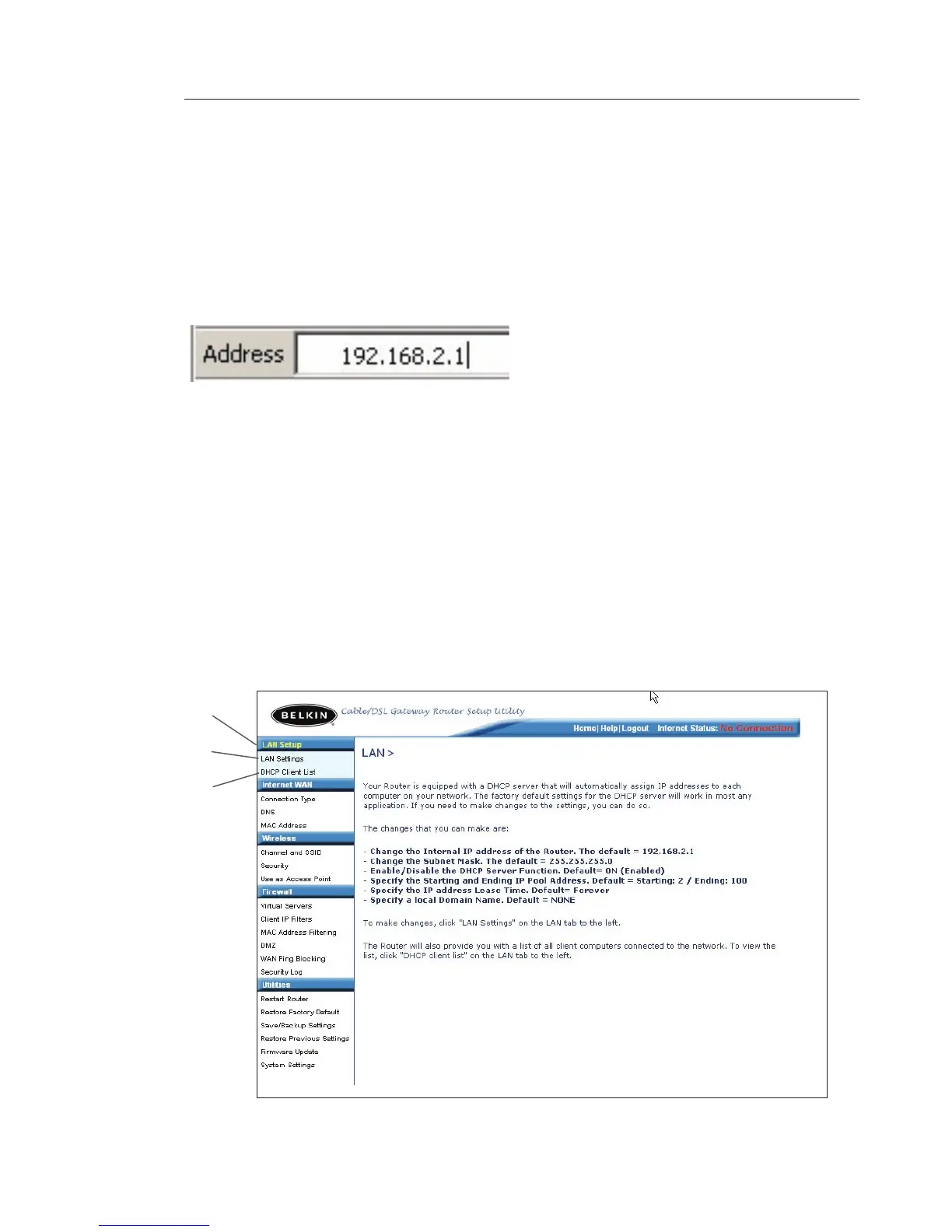
Viewing the LAN Settings
Clicking on the header of the “LAN Setup” tab (1) will take you to
its header page. A quick description of the functions can be found
here. To view the settings or make changes to any of the LAN
settings, click on “LAN Settings” (2) or to view the list of connected
computers, click on “DHCP Client List” (3).
(1)
(2)
(3)









 To Next Page