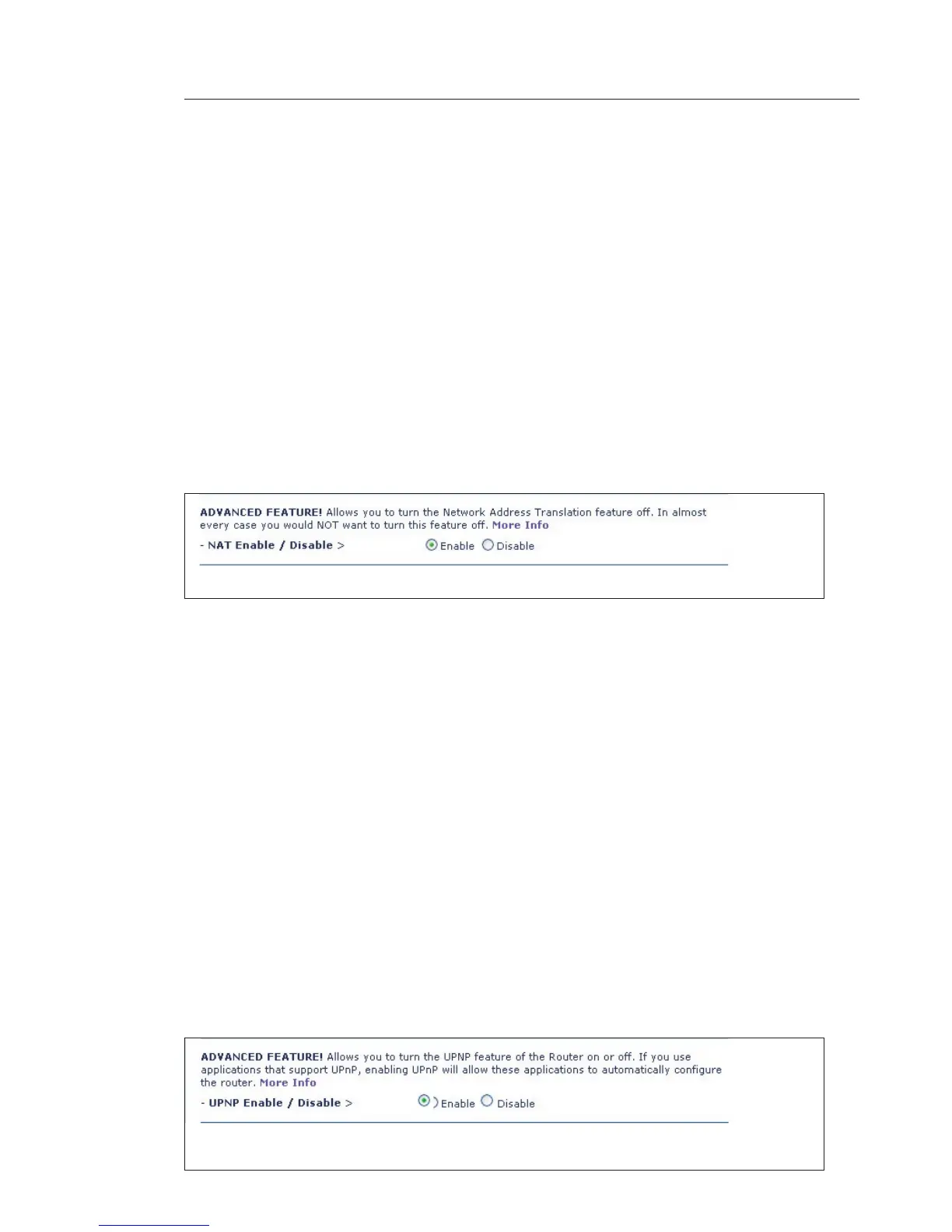
Enabling/Disabling NAT (Network Address Translation)
Note: This advanced feature should be employed by advanced users
only. Before enabling this function, MAKE SURE YOU HAVE SET THE
ADMINISTRATOR PASSWORD
.
Network Address Translation (NAT) is the method by which the Router
shares the single IP address assigned by your ISP with the other
computers on your network. This function should only be used if your
ISP assigns you multiple IP addresses or you need NAT disabled for
an advanced system configuration. If you have a single IP address
and you turn NAT off, the computers on your network will not be able
to access the Internet. Other problems may also occur. Turning off
NAT will disable your firewall functions.
Enabling/Disabling UPnP
UPnP (Universal Plug-and-Play) is yet another advanced feature
offered by your Belkin Router. It is a technology that offers seamless
operation of voice messaging, video messaging, games, and other
applications that are UPnP-compliant. Some applications require
the Router’s firewall to be configured in a specific way to operate
properly. This usually requires opening TCP and UDP ports, and in
some instances, setting trigger ports. An application that is
UPnP-compliant has the ability to communicate with the Router,
basically “telling” the Router which way it needs the firewall
configured. The Router ships with the UPnP feature disabled. If
you are using any applications that are UPnP-compliant, and wish
to take advantage of the UPnP features, you can enable the UPnP
feature. Simply select “Enable” in the “UPnP Enabling” section of the
“Utilities” page. Click “Apply Changes” to save the change.









 To Next Page