English
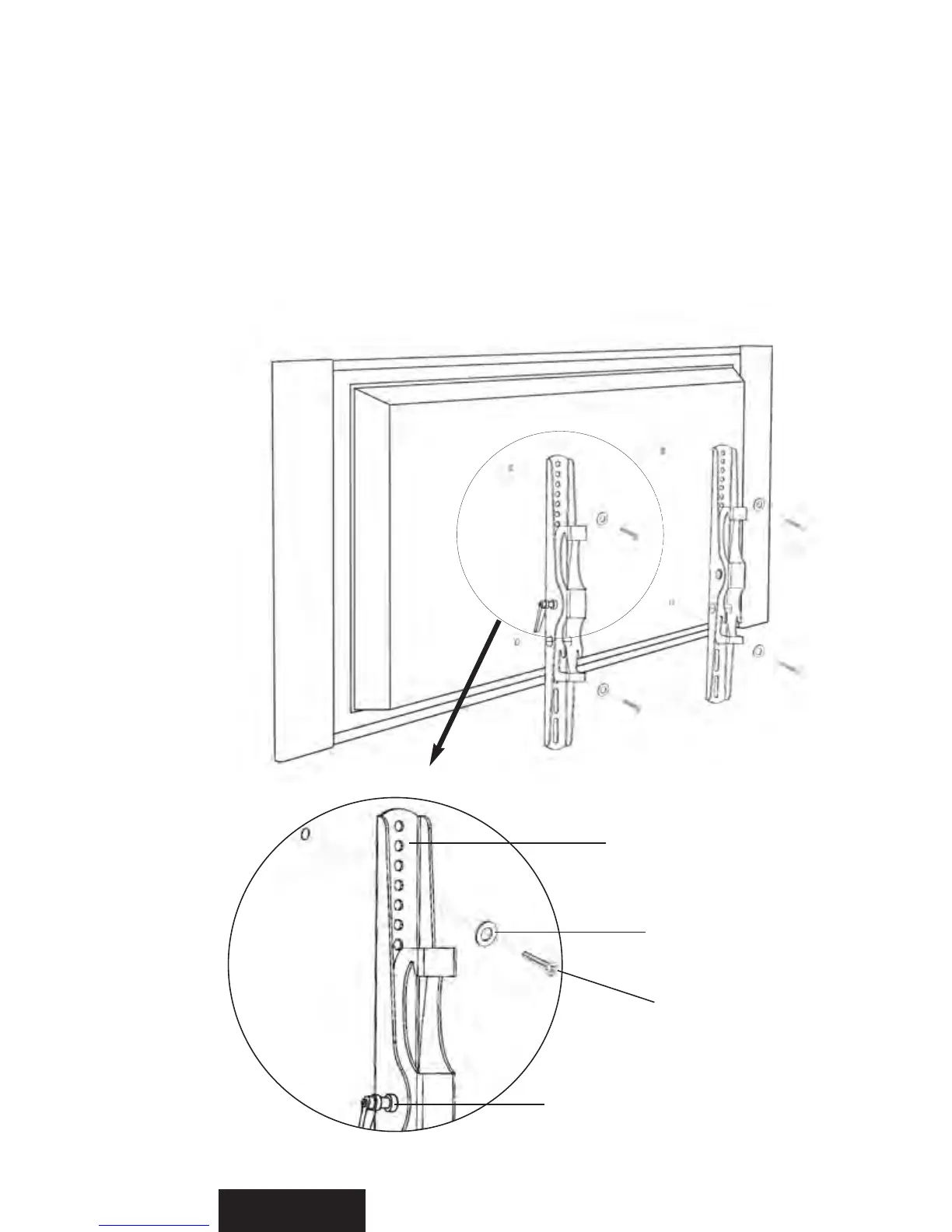
R or S
Selected
Screw
Adjustment Lever
DETAILED VIEW
Back of TV
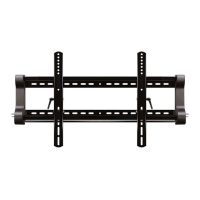
Attaching the Monitor Arms
After you’ve figured out which screws to use for your TV, attach each Monitor Arm
(MA) to the back of the TV as shown in Figures 1 and 2. Make sure the the arms are
oriented properly, with the adjustment levers facing toward the outer edge of the TV so
you can reach them later.
Also make sure that each Washer (R for M4 or M5 screws, or S for M6 or M8 screws)
is placed between the screw and the monitor arm.
Don’t place the washers between the
arms and the TV.
Figure 1
MA


 To Next Page