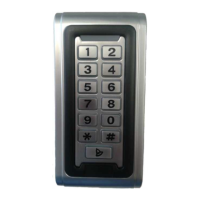
Programming the BellProx Reader
For Security, please change the Master Code before the Reader is put into use.
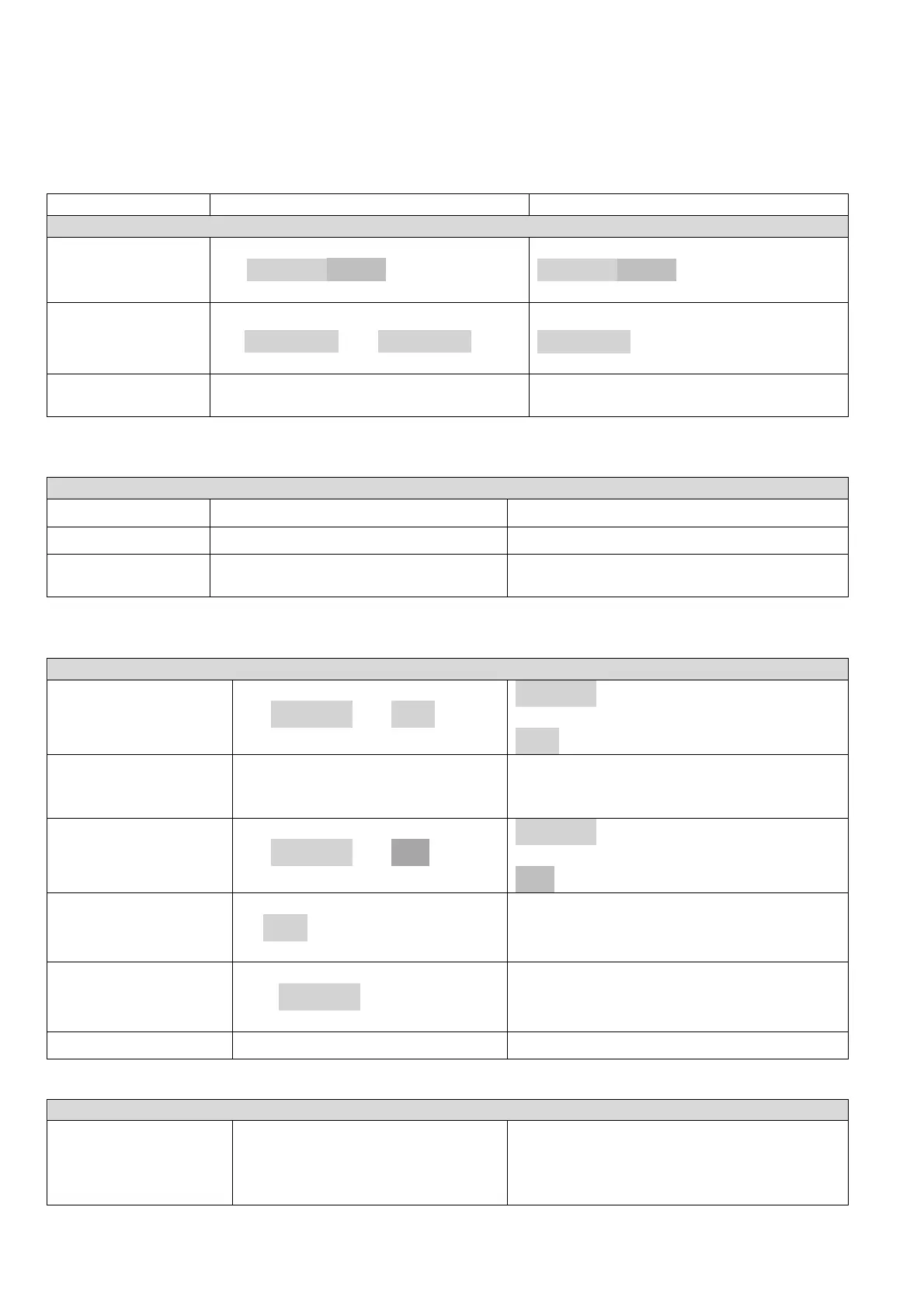
(Required for adding and deleting
and other system programming)
Mode
* <MASTER CODE>#
MASTER CODE
is a 6-8 Digit Code:
(Factory default is 999999)
Code
0 <New Code> # <New Code> #
New Code
is any 6-8 Digit number
Mode
ode will also timeout after 30
seconds of inactivity
Please choose the required mode before adding User Fobs or PINs: (Must be performed in Program Mode)
Only Fobs can be used (no PINs)
must always be used together with a PIN
(Default )
User ID
Must be performed in Program Mode – see Master Code above
1 <User ID> # FOB #
a unique number from 1 to 1000
which should be assigned to each Fob
FOB
Hold the Fob to the reader
(Mode 31)
Exit Program Mode.
(See User Instructions below)
(Mode 32)
1 <User ID> # PIN # *
a unique number from 1 to 1000
which should be assigned to each Fob
PIN
Any 4-digit number (except 1234)
using the Fob
2 FOB #
In Mode 31 the associated PIN is deleted too.
using the User ID
2 <User ID> # *
Hold down the # key:
Power Up:
Release the # key after two beeps
Master Code is reset to 999999


 To Next Page
 Loading...