uede diferir levemente de la ilustraci
offee Maker is plugged into a 120
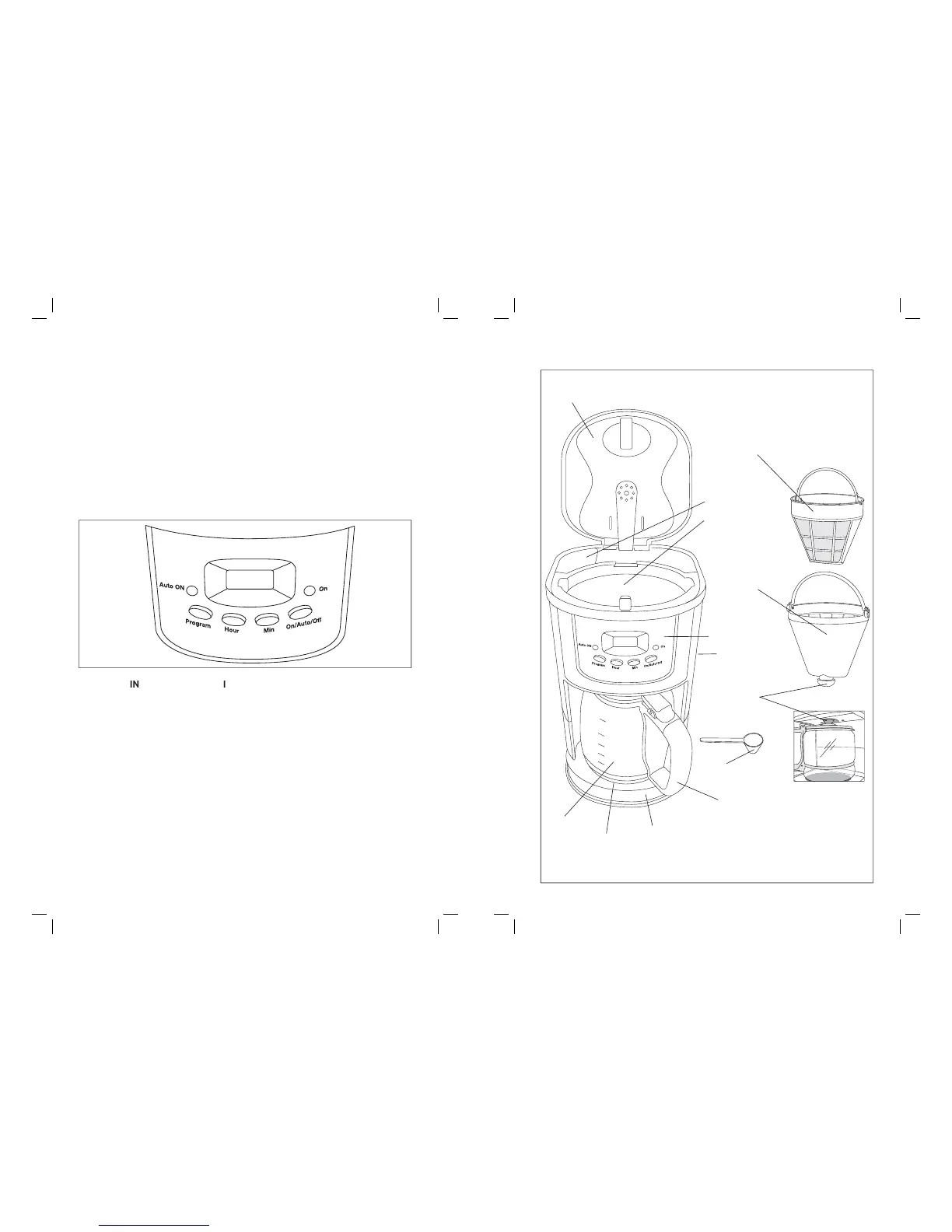
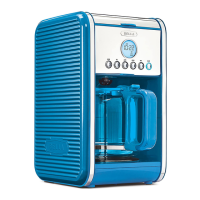
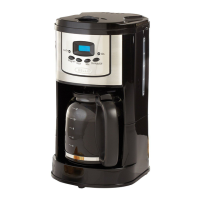
AC electrical outlet, the LCD display will illuminate blue. CLOCK appears to indicate
PRESENT time setting mode. PROG appears to indicate future AUTO brew time setting
mode. 24-hour digital clock with AM
If pressed once: the coffee maker is
If pressed twice: the coffee maker is on the AUTO mode and will start brewin
If pressed 3 times: the coffeemaker is
ital clock’s current time. Press a
ram
the AUTO future brewin
, press the PROG button a third time to view
UR. Press to adjust time in hours for digital clock display
. Hold button to fast advance.
5. MIN B
n: Advances the MINUTES. Press to adjust time in minutes for di
brew programming. Hold button to fast advance
N: To protect against electrical shock, do not immerse the
material and labels from the inside and outside of the Coffee Maker.
Place the u nit on a
ace. Unused cord may be stored inside the hidden
cord storage area in the back of the unit to keep counter top neat.
lass carafe and lid, coffee measurin
spoon, and removable lter holder in hot, suds
. Replace
disassembled parts. (See Care & Cleanin
Instructions for a detailed description.)
offee Maker by brewing 2 full carafes of tap water
offee Instructions following
. Do not add the permanent coffee lter basket or ground
coffee for this initial cleaning
At the end of the rst cycle, press the
FF and allow 10 minutes for the unit to cool.
5. Brew a second carafe of fresh water
ait an additional 10 minutes to allow heatin



 To Next Page