Reheat Chart
8. Reheat
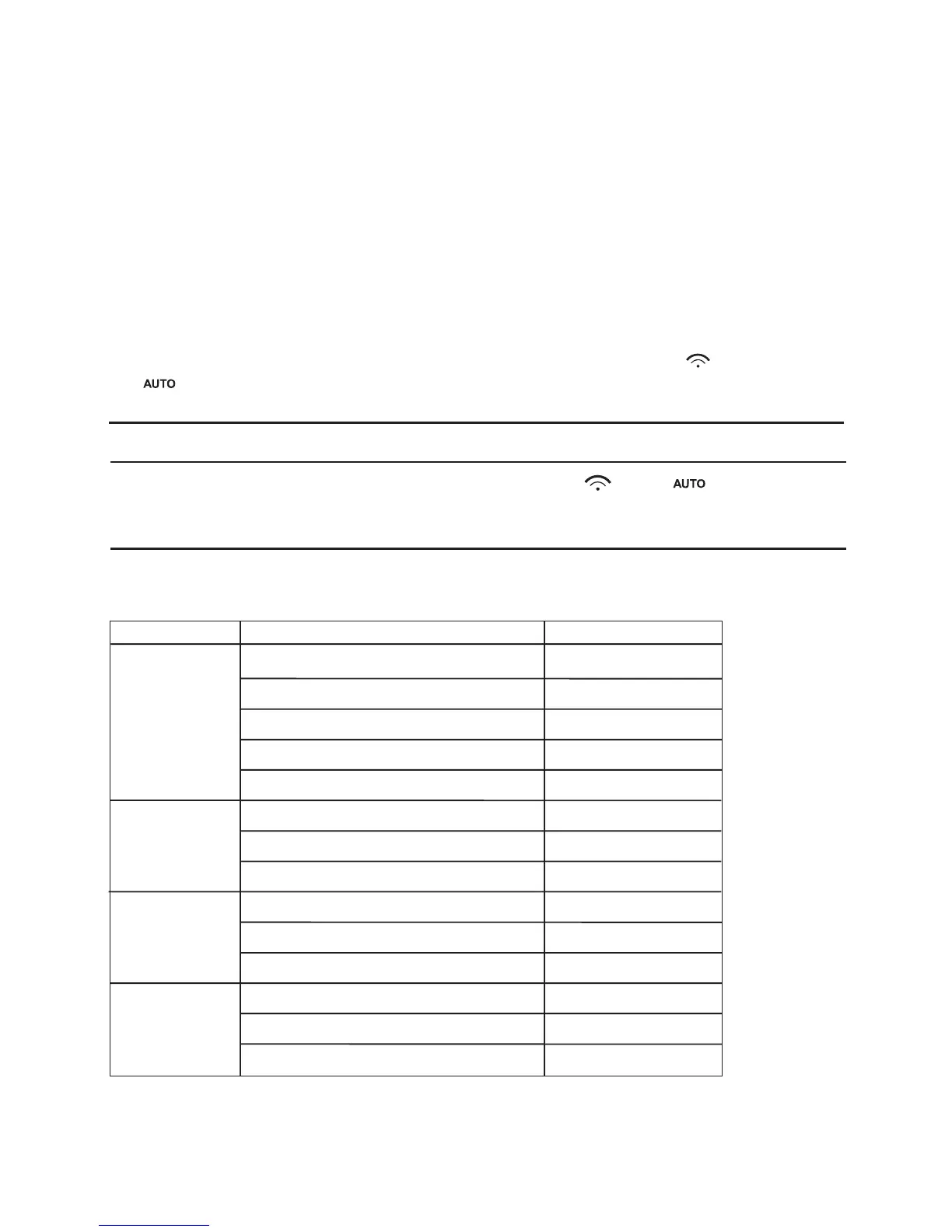
Menu
Weight(g)
Display
h-1
(Auto Reheat)
h-2
(Dinner Plate)
h-3
(Coffee)
h-4
(Roll)
150
250
350
450
600
250
350
450
1(approximately 240g)
2(approximately 480g)
3(approximately 720g)
1(approximately 70g)
2(approximately 140g)
3(approximately 210g)
150
250
350
450
600
250
350
450
1
2
3
1
2
3
1) Press "REHEAT" pad , the "h-1" will display in oven and flash." " and
" " indicators will light(
Press the "REHEAT" pad several times to select
the
the cooking program you wanted.)
2) Press "
"START/+30SEC./CONFIRM" key to confirm,the "h-1" will display.
3) Press "REHEAT" pad , the oven will display "150"." " and " "
and "g" indicators will light.(
Press the "REHEAT" pad several times to
select the
the weight of thecooking food.)
4) Press
"START/+30SEC./CONFIRM" key to start cooking.
Example: If you want to use 80% microwave power to cook for 15 minutes, you can
operate the oven as the following steps.
a. Press "MICROWAVE" twice to choose 80% microwave power.
b. Press "1","5","0","0" to select 15 minutes.
c. Be careful! Please do not press "START/+30SEC./CONFIRM" to start cooking.
(2) Press "CLOCK/PRE-SET" to display 0:00.
(3) Press "1", "2", "1", "2" in order.
(4) Press "START/+30SEC./CONFIRM" to confirm the setting. The unit will turn
back to the clock state.
(5) Cooks begin when the time arrives, ":" will light.



 To Next Page