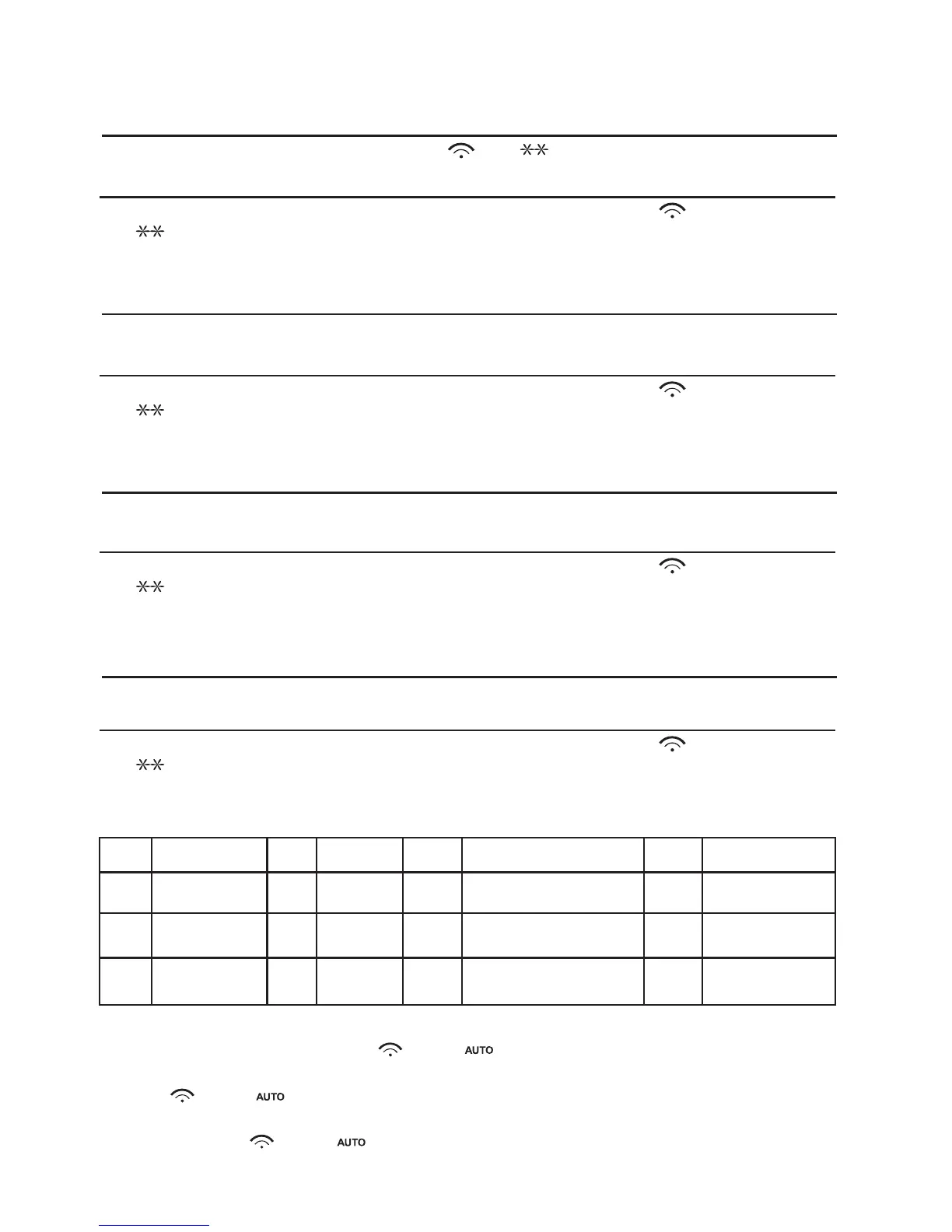
9. Defrost By time
11. Defrost Groud meat
10. Defrost By weight
12. Defrost Sea food
1) Press "DEFROST" pad thrice, the oven will display "d-3".
3) Press "START/+30SEC./CONFIRM" key to start defrosting. " " and
" " indicators will flash .
2) Input the figure of the weight of food.
(The input figure of the weight should be within 100--2000g)
1) Press "DEFROST" pad twice, the oven will display "d-2".
3) Press "START/+30SEC./CONFIRM" key to start defrosting. " " and
" " indicators will flash and "g" indicator will go out.
2) Input the figure of the weight of food.
(The input figure of the weight should be within 100--2000g)
1) Press "DEFROST" once, the oven will display "d-1".
3) Press "START/+30SEC./CONFIRM" key to start defrosting. " " and
" " indicators will flash .
2) Input the figure of the time of cooking. " " , " " indicators will
light. (the maximum cooking time is 99 minutes and 99 seconds.)
Example: Cooking vegetable of 350g:
(1) Press "VEGETABLE" button, " " and " " will light.
(2) Press "VEGETABLE" button again to choose weight, oven will display "350",
"g", " " and " " will light.
(3) Press "START/+30SEC./CONFIRM" to start cooking, "g" will go out, time
counts down, " " and " " will flash.
13. Auto Menu Cooking
The numeral pads 0—9 are matching with ten different subjects respectively;
Pad
Cook
Pad Cook Pad Cook
1
2
3
4
5
6
7
8
VEGETABLE
FISH
MEAT
PASTA
POTATO
BREAD
SOUP
ROAST CHICKEN
Pad Cook
9
0
PIZZA
CAKE
1) Press "DEFROST" pad 4 times, the oven will display "d-4".
3) Press "START/+30SEC./CONFIRM" key to start defrosting. " " and
" " indicators will flash .
2) Input the figure of the weight of food.
(The input figure of the weight should be within 100--2000g)



 To Next Page