Installation
Assembly
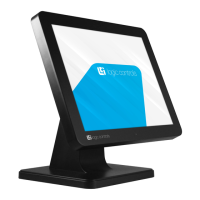
1. Remove the four screws on base metal plate.
2. Pass the USB cable through the base from bottom.
3. Pass the USB cable through the pole from the bottom.
4. Reinstall the metal plate and attach the pole onto the stand base.
5. Pass USB cable through the hinge cover.
6. Plug the USB cable to the monitor.
7. Attached the hinge cover to the monitor with four screws.
8. Install monitor module to pole.
9. Installation complete.
Control Buttons
UP / DOWN key:When adjustment item is selected, the two keys are defined to
decrease or increase the value of brightness.



 To Next Page