13
pro.UP
DESCRIPTION
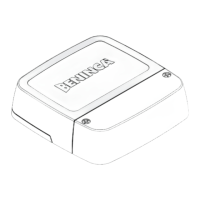
Programming interface, allowing communication between the application BeUP and the Beninca compatible control units*
Some of the main functionalities:
- The app recreates the structure of the menu in the control unit: each function is described in detail.
- Once the new pro.UP board is connected to the control unit, the installer can see on the app the status of the gate, the inputs
and send commands.
- The parameters and logic can be adjusted and the error messages read
- By configuring pro.UP for communication via Internet, you can read the diagnostics data also from remote, before going to the
system.
- You can start a registration log of the events for monitoring the control unit over time.
- It allows saving and sharing of a control unit configurations to quickly implement on another similar one or use as a backup copy.
- It allows firmware upgrading of the control unit to which it is connected, always from a specific section inside the BeUP installer
app.
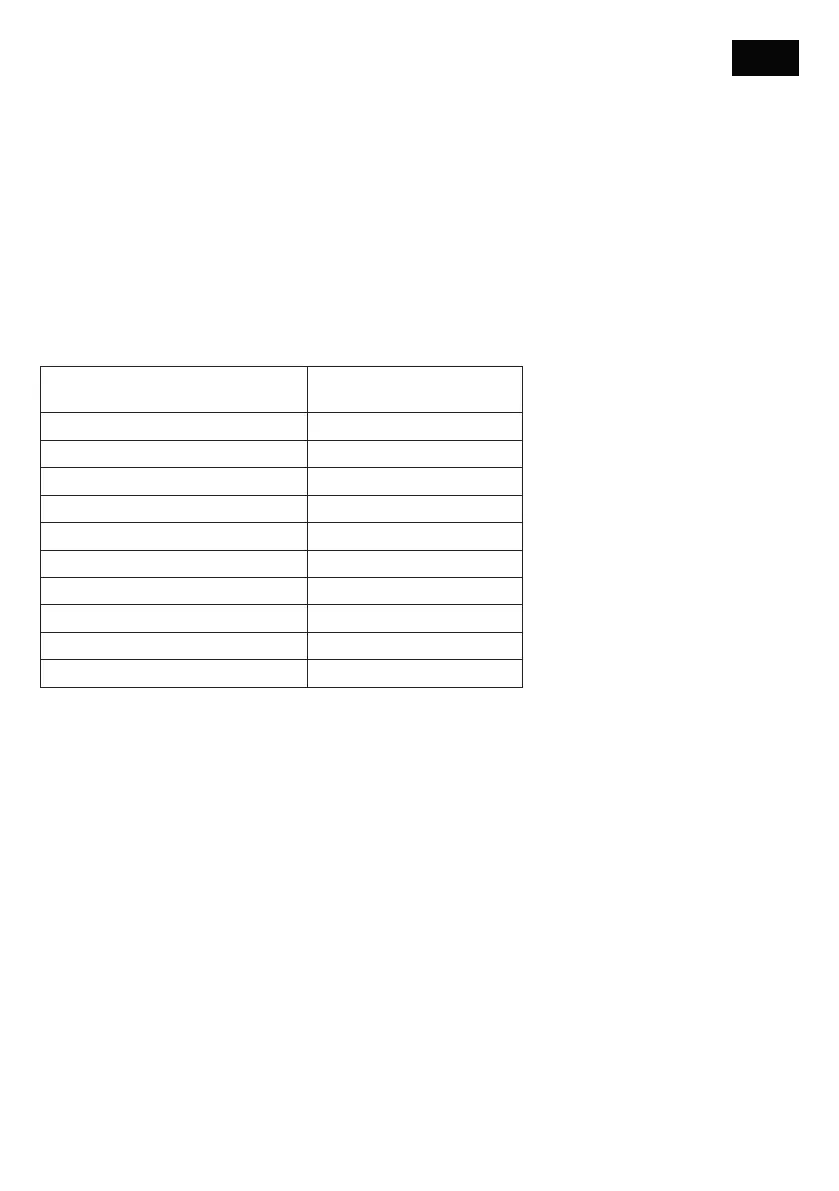
*On release of this document, the compatible control units are:
Control unit Minimum firmware version for
pro.UP compatibility
DIVA.3 - DIVA.5 b1.18
BULL624 TURBO - BULL1224 TURBO v1.00
ROMEO b1.10
JIM3 (9B) b1.10
JACK24.50 - JACK24.80 b1.10
BULL424SW b1.08
HYBRA24 b2.00
BULL 1524 1C
BULL 624 1C
SAM.E24
All the functions described in this manual refer to the following minimum versions of the app:
BeUP iOS 1.3.6
BeUP Android 1.6.1
and at least the pro.UP firmware version 2.0.14
ATTENTION!! Some advanced functionalities could require a software upgrade of the control unit.
ENG


 To Next Page
 Loading...