48
8. The LCD shows “Meshut 26” message (Fig. 5). Put the camera in front of the light source box and set
it to LV13.
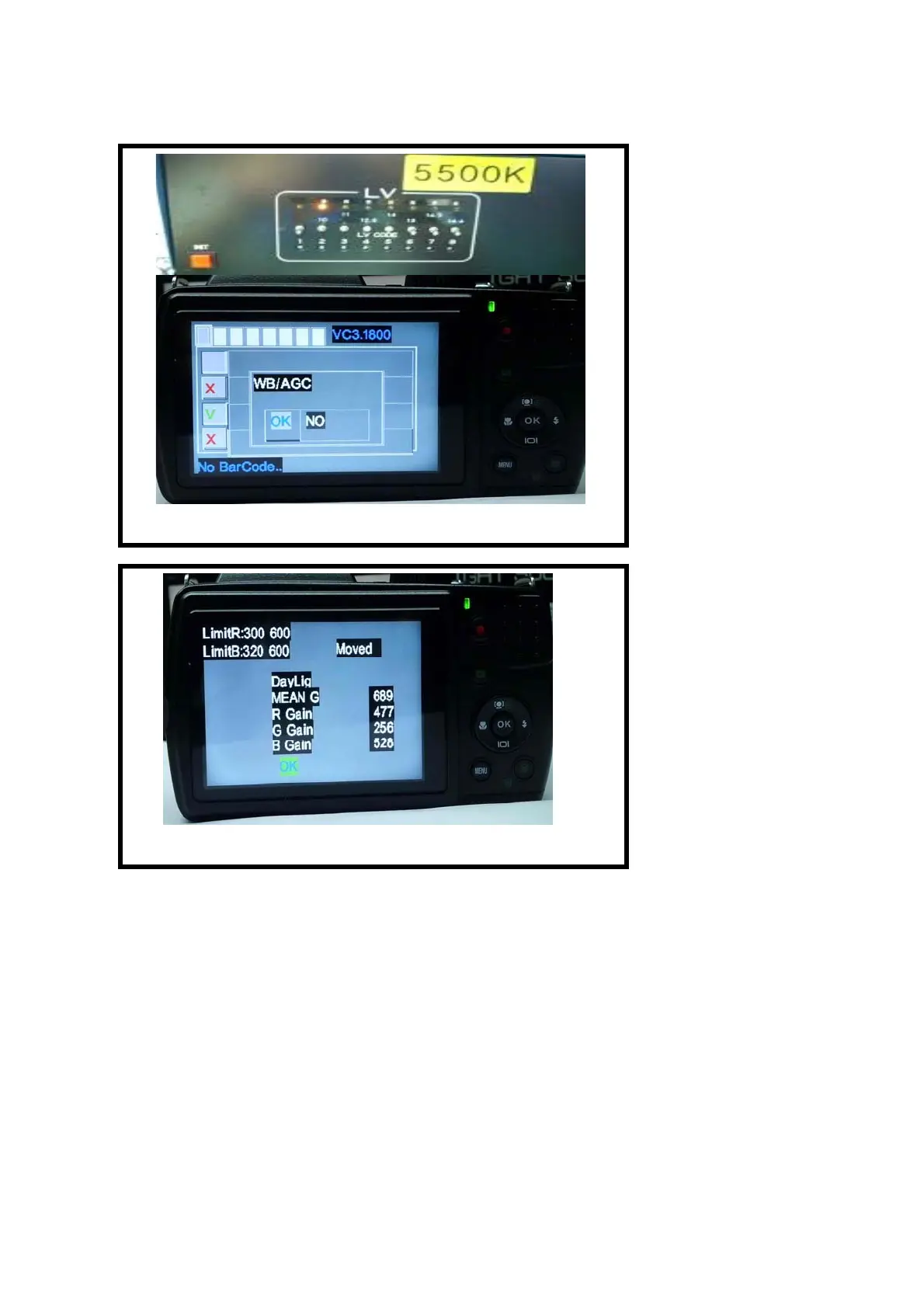
9. Press “OK/Set” button. Calibration program will execute automatically. When LCD shows ”OK” (Fig.
6), it has passed the test. If shows “NG”, it have not passed.
10. The LCD shows “Meshut 80” message (Fig. 7). Put the camera in front of the light source box and set
it to LV14.
11. Press “OK/Set” button to run auto test. When LCD shows ”OK” (Fig. 8), it has passed the test. If
shows “NG”, it has not passed.
12. When the display shows the “Focus” (Fig. 9), it requires using collimator to calibrate and put the
camera in front of collimator.
13. Press “OK/Set” button to run auto calibration. When LCD shows ”OK” (Fig. 10), it has passed the
test. If show “NG”, it has not passed.
Fig. 3
Fig. 4


 To Next Page