6 Getting to know your monitor
2. Getting to know your monitor
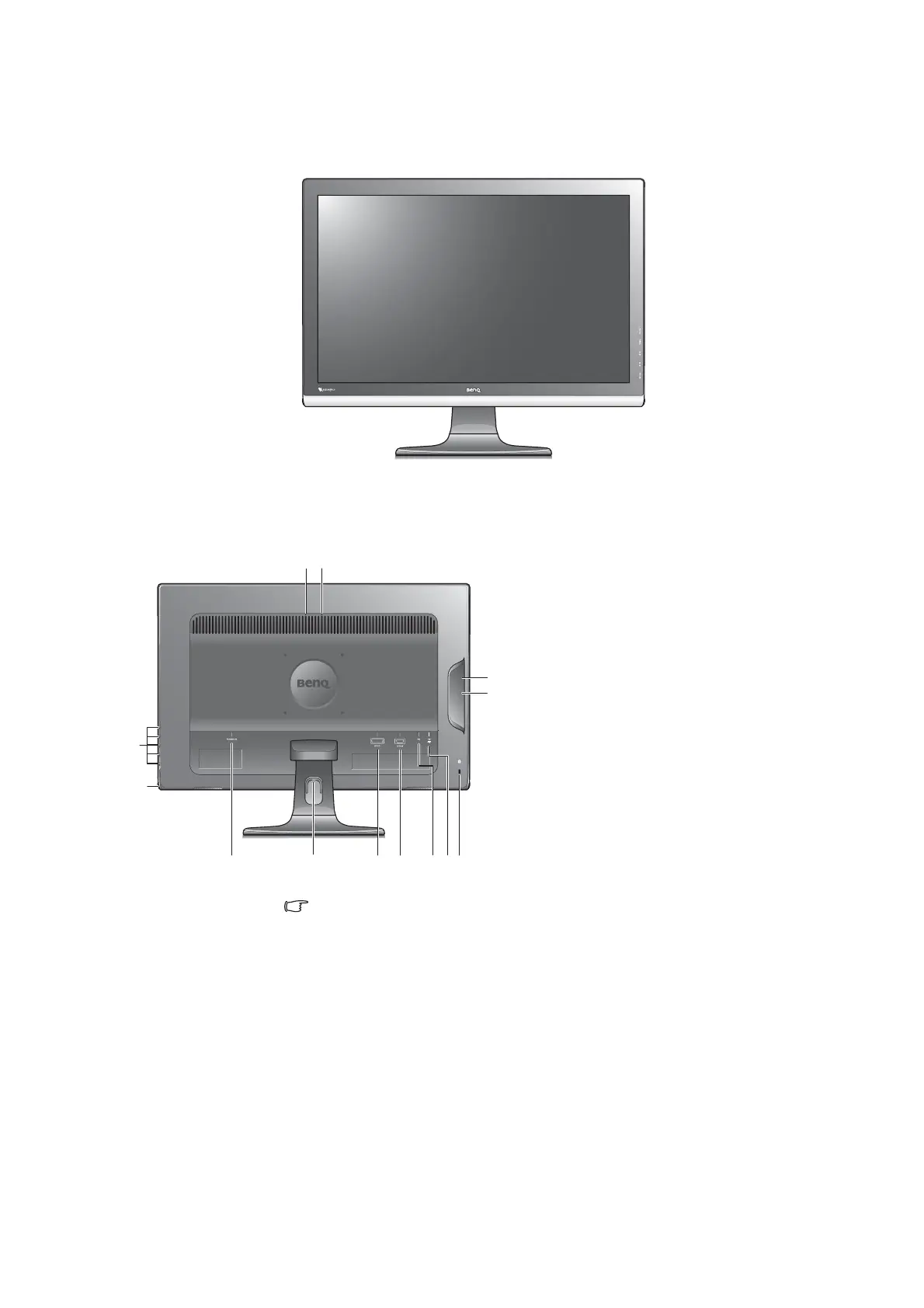
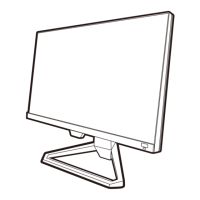
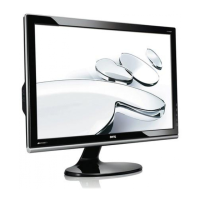
Front view
Back view
Above diagram may vary depending on the model.
1. AC Power Input jack
2. Cable clip
3. DVI-D socket
4. D-Sub socket
5. USB port x 1 (upstream; connecting to the
PC)
6. USB port x 2 (downstream; connecting to
USB devices)
7. Lock switch
8. USB port x 2 (downstream; connecting to
USB devices)
9. Headphone hook indicators (two inverted
triangles)
10.Control buttons
11.Power button


 To Next Page