English
• No driver needed.
• DPI (Dots per inch) settings: 400 / 800 / 1600 / 3200 dpi
• Adjustable USB report rate: 125 / 500 / 1000 Hz
• Connector: USB
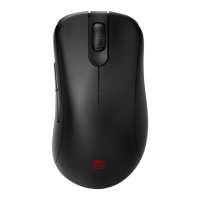
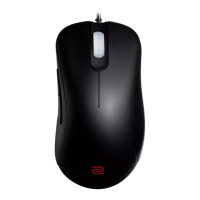
• Buttons: 7 buttons
• Cable length: 2 meters (6.6 feet)
Changing DPI setting
Press the DPI switch button (labeled ) to switch to a desired DPI setting.
Adjusting USB report rate
Press the Report rate switch button (labeled ) to switch to a desired report rate setting.
Changing the Lift Off Distance (LOD) of your mouse
and press and hold the following combination keys together while re-connecting the mouse.
• For a lower LOD: buttons
+
• For a medium LOD: buttons +
• For a higher LOD: buttons + +
Changing click response time
following key while re-connecting the mouse.
• Fast response time:
• Normal response time:
Note: Illustrations here in this document are for reference only and may differ from the actual products available
to you.



 To Next Page