Operation 41
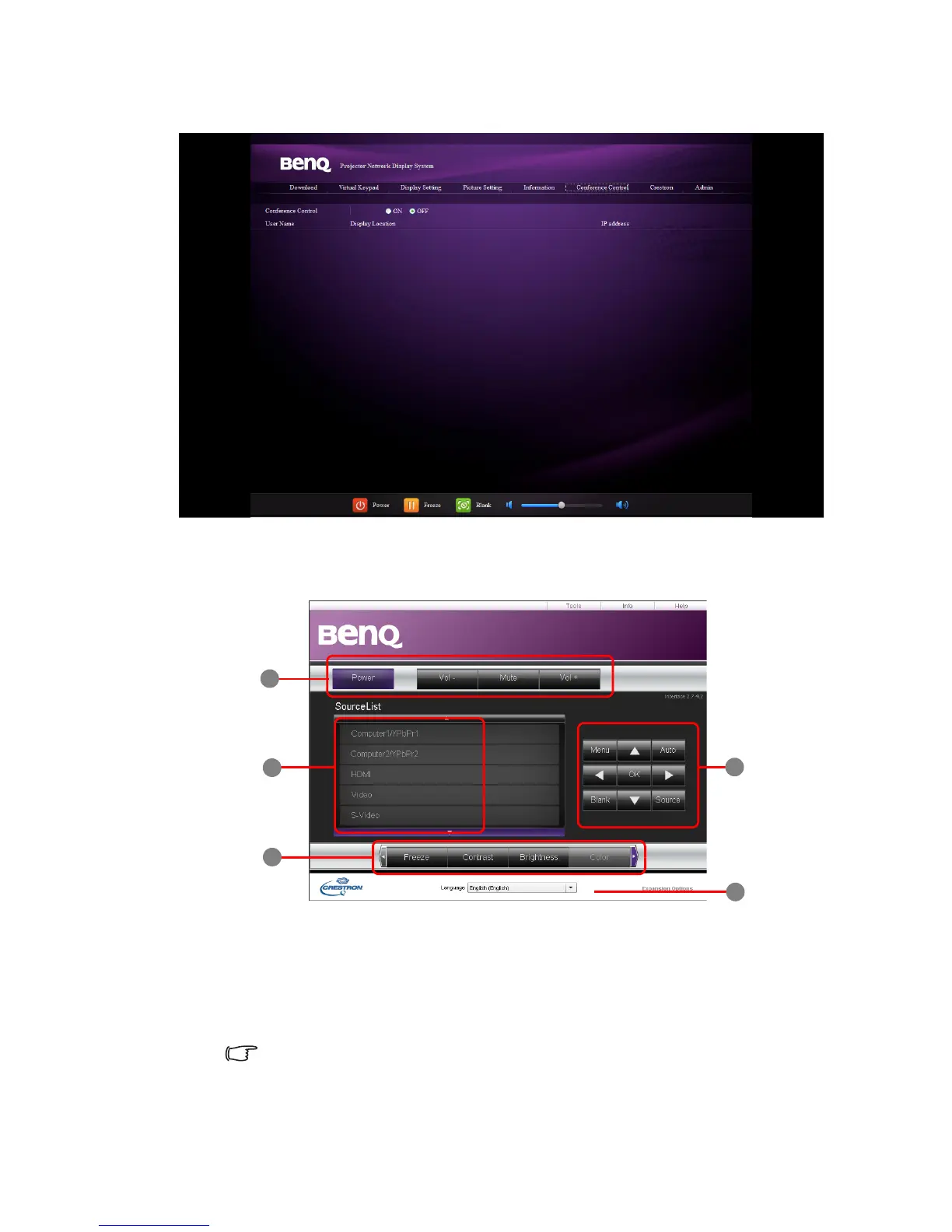
8. The Conference Control page allows you to control the display location in the same IP
address when there are multiple users connecting to the projector.
9. The Crestron (eControl) page displays the Crestron eControl user interface. The
eControl page provides a variety of virtual keys to control the projector or adjust the
projected pictures.
i. These buttons function the same as the ones on the OSD menus or remote
control. See "2. PICTURE menu" on page 55 and "Remote control" on page 11 for
details.
ii. To switch input source, click your desired signal.
iii. The software is available in multiple languages.
The Menu button can also be used to go back to previous OSD menu, exit and
save menu settings.



 To Next Page