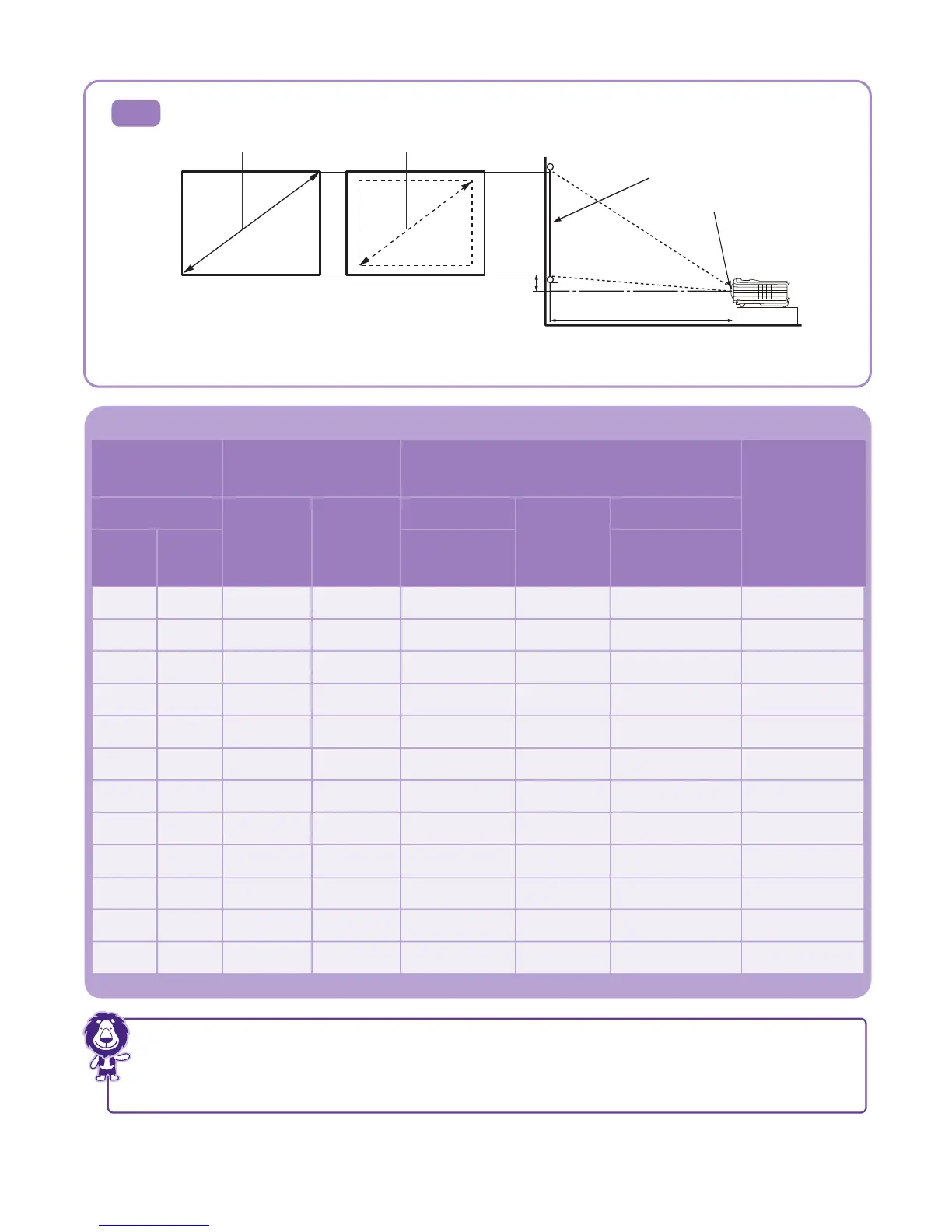
Projection dimensions
Table A1: The screen aspect ratio is 4:3 and the projected picture is 4:3
Screen size
Size of the
projected image
Distance from screen (mm)
Vertical
offset (mm)
Diagonal
H (mm) W (mm)
Min length
Average
Max length
Inch mm
(max.
zoom)
(min. zoom)
Maximum zoom
Minimum zoom
Projection distance
Center of lens
Screen
Vertical offset
A1
40 1016 610 813 1231 1415 1600 46
50 1270 762 1016 1538 1769 2000 57
60 1524 914 1219 1846 2123 2400 69
70 1778 1067 1422 2154 2477 2800 80
80 2032 1219 1626 2462 2831 3200 91
90 2286 1372 1829 2769 3185 3600 103
100 2540 1524 2032 3077 3538 4000 114
120 3048 1829 2438 3692 4246 4800 137
150 3810 2286 3048 4615 5308 6000 171
200 5080 3048 4064 6154 7077 8000 229
250 6350 3810 5080 7692 8846 10000 286
300 7620 4572 6096 9231 10615 12000 343
There is 3% tolerance among these numbers due to optical component variations.
BenQ recommends that if you intend to permanently install the projector, you should physically test
the projection size and distance using the actual projector in situ before you permanently install it,
so as to make allowance for this projector's optical characteristics. This will help you determine the exact
mounting position so that it best suits your installation location.



 To Next Page