Operation 61
Function Description
FAQ-Image
and
Installation
Displays possible solutions to problems you may encounter.
FAQ-
Features and
Service
Current
System
Status
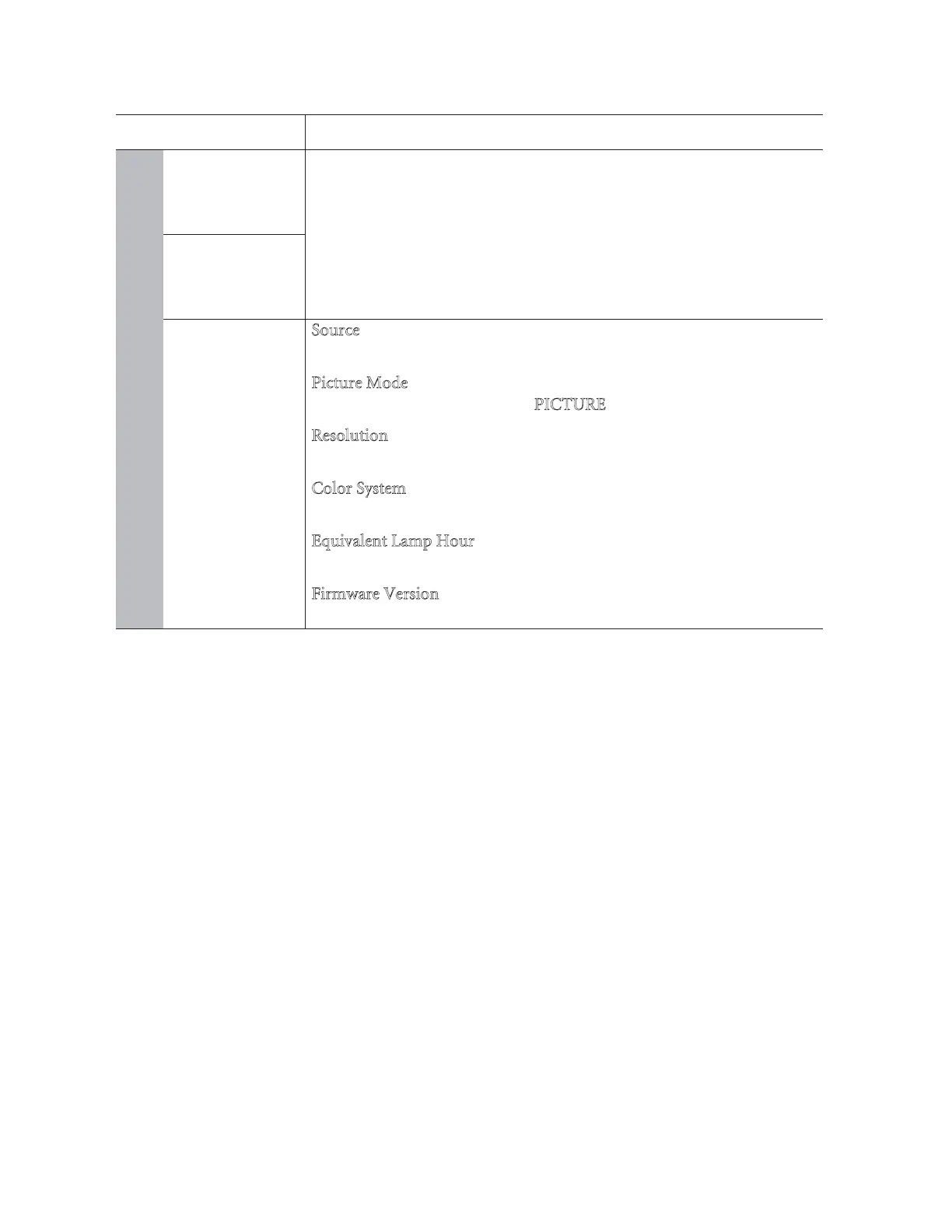
Source
Shows the current signal source.
Picture Mode
Shows the selected mode in the PICTURE menu.
R
esolution
Shows the native resolution of the input signal.
C
olor System
Shows input system format: NTSC, PAL, SECAM, YUV, or RGB.
E
quivalent Lamp Hour
Displays the number of hours the lamp has been used.
Firmware Version
Shows the firmware version of your projector.



 To Next Page