Operation46
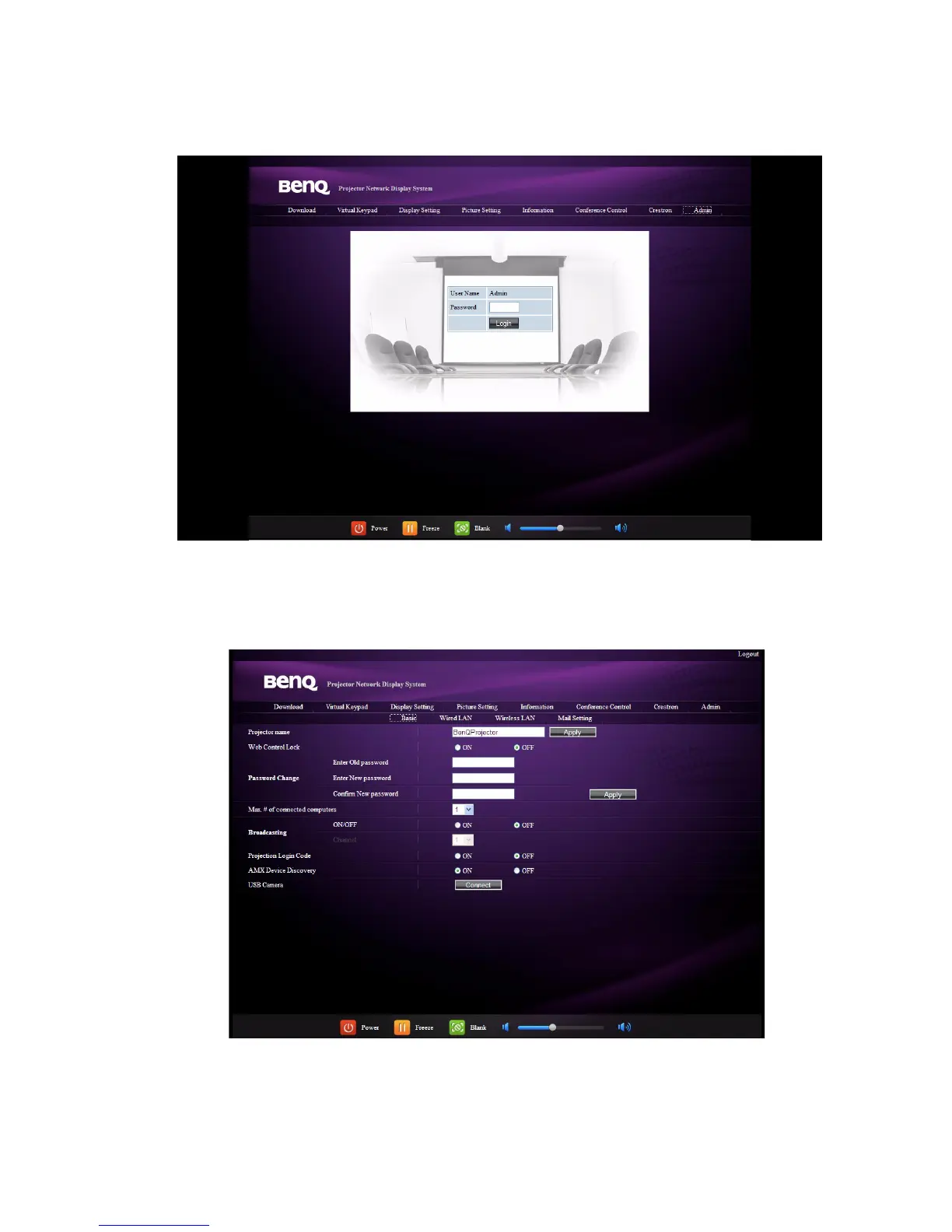
10. To have access to the Admin page, you need to enter a password. The page provides
more network settings. The default password is “0000”. If you want to change the
password, enter the Basic page.
The Basic page allows you to change the password and set the maximum number of
connected computers. The number of connected computer may affect the network
display performance.You can also adjust the Broadcasting, Projection Log In Code,
AMX Device Discovery and USB Camera settings here.



 To Next Page