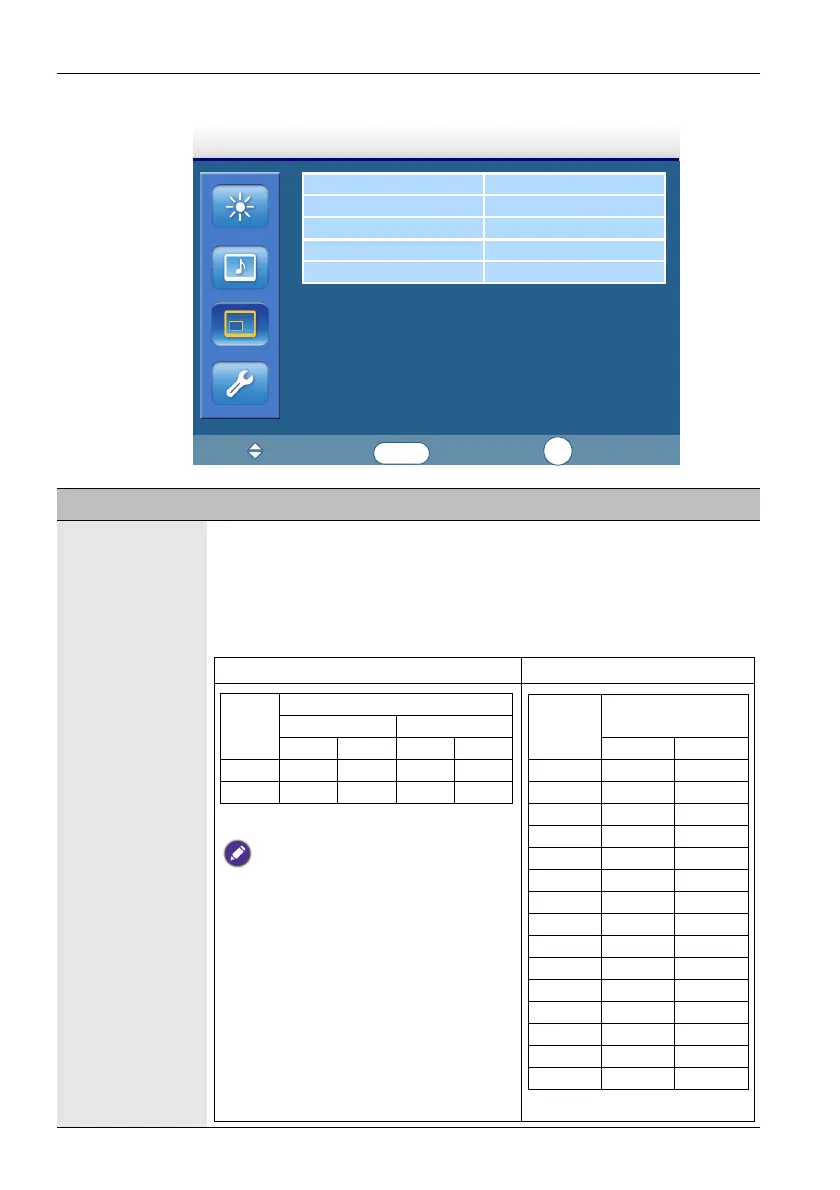
The OSD (On-Screen Display) menu36
Screen menu
PAP Setting
Aspect Full
Adjust Screen
Freeze Off
Touch Feature Off
Screen
:Move
:Enter
:Exit
ENTER
EXIT
Name Description
PAP Setting
(Picture and
Picture)
• PAP: Turns on or off the PIP (Picture in Picture) and PBP (Picture by
Picture) functions.
• Active Picture: For the PIP, selects the main or sub picture to operate.
For the PBP, selects the left or right picture to operate. Swaps the main/
sub or left/right pictures.
• Picture Size: Changes the size of the sub picture.
PIP mode PBP mode
Unit: pixel
• In PIP mode, when the aspect ratio of the sub
picture’s source signal is 4:3 and its Aspect
setting is set to Full 1 or Real, the aspect ratio
of the sub picture will be 4:3.
• In PBP mode, the aspect ratio of the sub
picture is fixed as 16:9 regardless of the
Aspect setting.
Aspect Ratio
4:3 16:9
Width Height Width Height
Small 304 225 400 225
Large 456 338 600 338
Unit: pixel
Aspect Ratio = 16:9
(fixed)
Width Height
Size = 0 747 267
Size = 1 542 305
Size = 2 612 344
Size = 3 680 382
Size = 4 748 421
Size = 5 816 459
Size = 6 886 498
Size = 7 954 537
Size = 8 1022 575
Size = 9 1092 614
Size = 10 1160 652
Size = 11 1228 691
Size = 12 1296 729
Size = 13 1366 768
Size = 14 1434 807



 To Next Page