Working with Android OS50
Settings
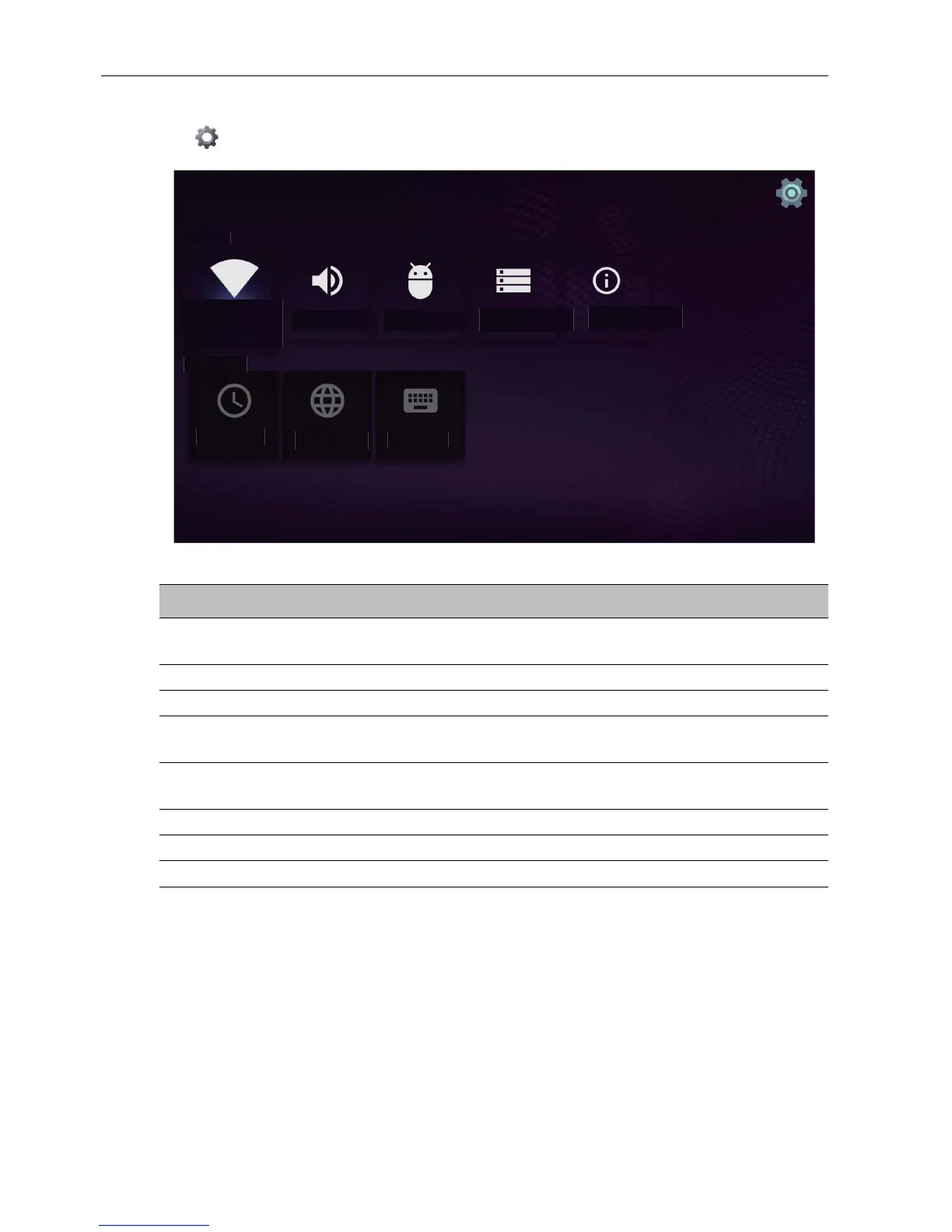
Tap to launch Settings. With this application, you can view and configure the
settings of your device.
Tap the desired menu option to enter its submenu.
Device
Preferences
System
sounds
Apps
Storage &
reset
About
Network
Date &
time
Language
Keyboard
Menu Option Description
Network Select this option to view the network status or configure
the network connection.
System sounds Select this option to change system sounds.
Apps Select this option to open Apps.
Storage & reset Select this option to view the total and available storage
space or to perform a reset.
About Select this option to view the model name and other
hardware/software information.
Date & Time Select this option to set the date and time.
Language Select this option to change the system language.
Keyboard Select this option to configure the input method settings.



 To Next Page