15 Positioning your projector
Correcting keystone
Keystoning refers to the situation where the projected image becomes a trapezoid due to angled
projection.
• To automatically correct this:
1. Press / on the projector or / / on the remote control.
2. After the Keystone correction page appears, press and hold the MODE key on the projector for
2 seconds to automatically correct the keystoning problem.
• To manually correct this:
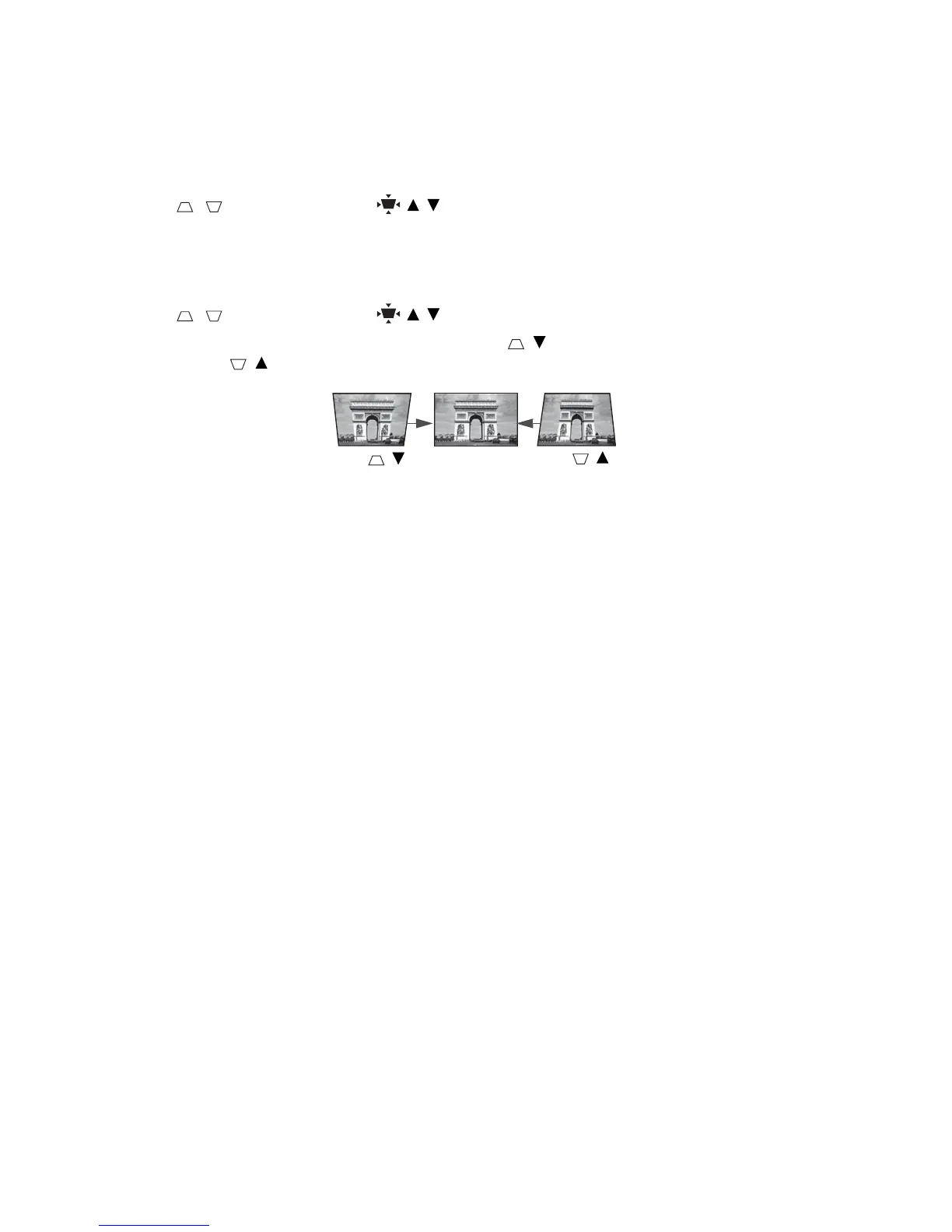
1. Press / on the projector or / / on the remote control.
2. After the Keystone correction page appears, press / to correct keystoning at the top of the
image. Press / to correct keystoning at the bottom of the image.



 To Next Page