32 Menu operation
INSTALLATION menu
3D
(Continued)
• 3D Mode
The default setting is Auto and the projector automatically chooses an appropriate
3D format when detecting 3D contents. If the projector cannot recognize the 3D
format, press OK to choose a 3D mode from among Frame Sequential, Frame
Packing, Top-Bottom, and Side-by-Side.
When this function is enabled:
• The brightness level of the projected image decreases.
• The Picture Mode cannot be adjusted.
• 3D Sync Invert
When your 3D image is distorted, enable this function to switch between the image
for the left eye and the right eye for more comfortable 3D viewing experience.
HDR
The projector supports HDR imaging sources. It can automatically detect the
dynamic range of the source, and optimize settings to reproduce contents under
wide range of light conditions. Meanwhile, the Picture Mode cannot be adjusted
after switching to HDR.
Silence
When this function is enabled:
• The acoustic noise will be minimized.
• The display resolution will be set at 1920 x 1080.
• The PICTURE > Picture Mode menu will be automatically changed to
Silence and grayed out.
Projector
Position
The projector can be installed on a ceiling or behind a screen, or with one or more
mirrors. See Choosing a location on page 11.
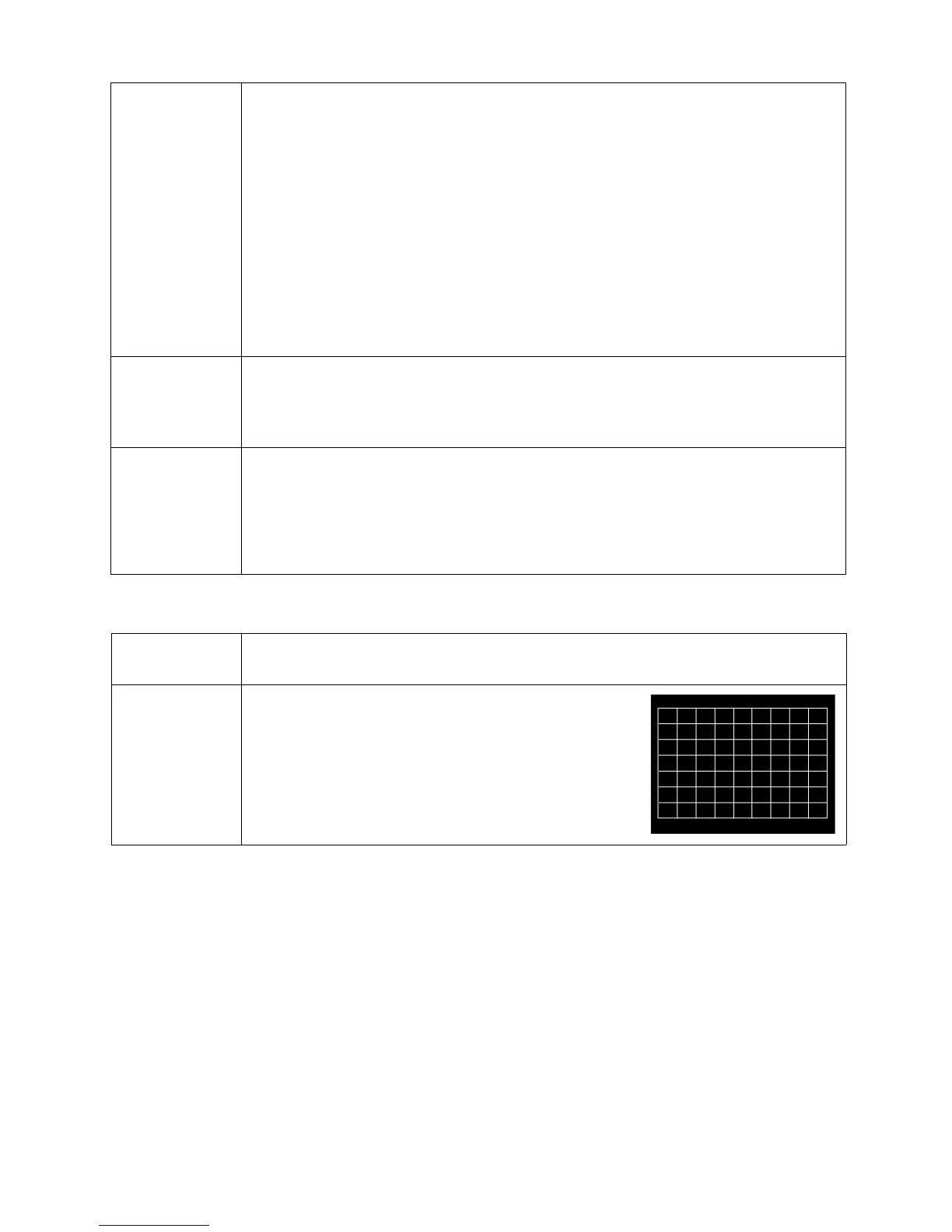
Test Pattern
Adjusts the image size and focus and check that the
projected image is free from distortion.



 To Next Page