Bluetooth
®
pairing
EN
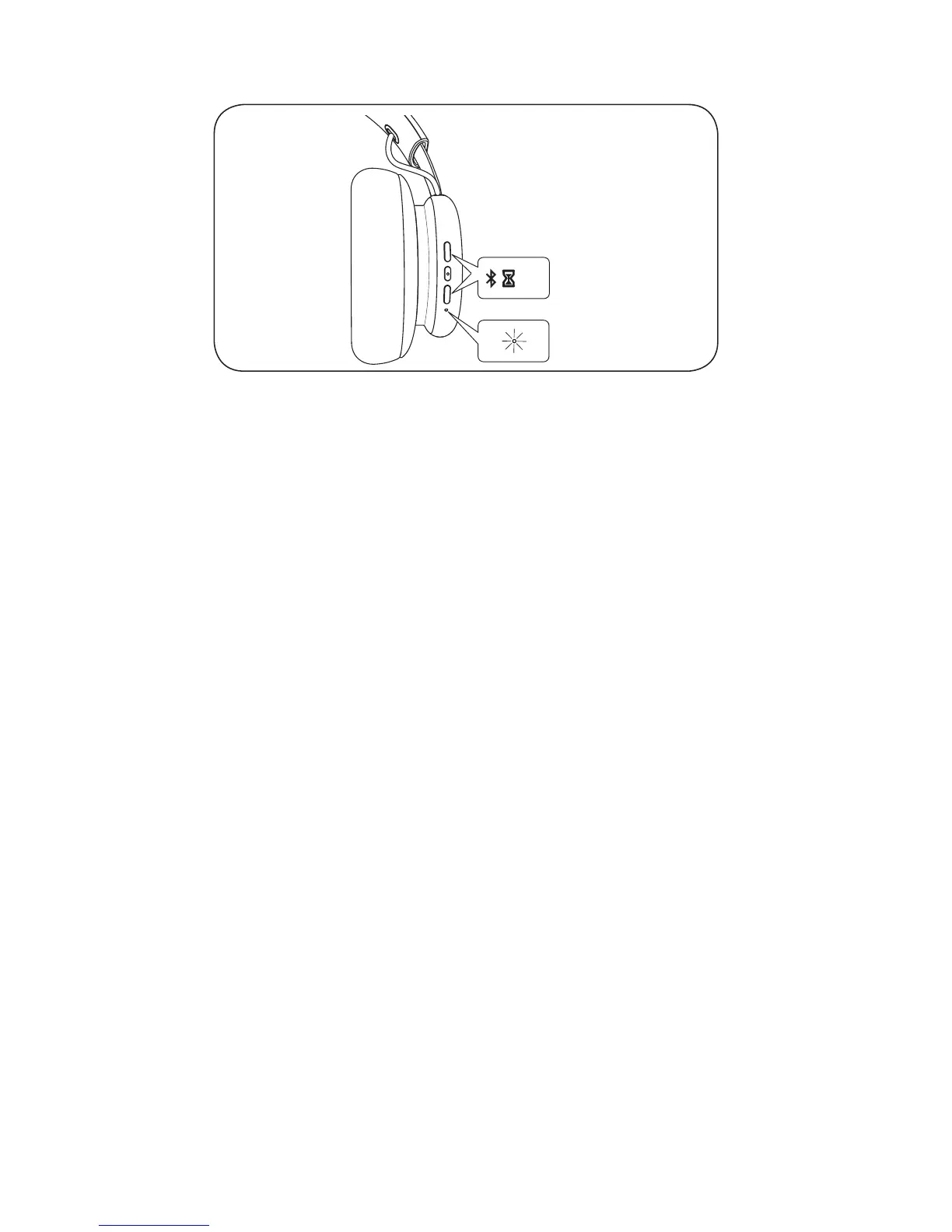
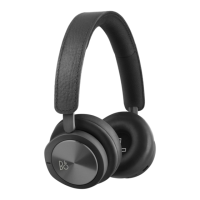
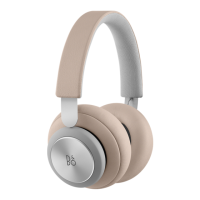
Beoplay H4 is ready for Bluetooth pairing when unpack from
box.Turn on Bluetooth on your device and select Beoplay H4.
Alternatively, Press Vol+ Vol- simultaneously for 5 seconds to
initiate Bluetooth pairing. Turn on Bluetooth on your device,
and select Beoplay H4. The product indicator turns blue.
DA
Beoplay H4 er forberedt til Bluetooth-parring fra fabrikkens
side. Aktiver Bluetooth på din enheden, og vælg Beoplay
H4. Alternativt skal du trykke på lydstyrke op og ned
samtidigt og holde dem inde i 5 sekunder for at påbegynde
Bluetooth-parring. Aktiver Bluetooth på din enheden, og
vælg Beoplay H4. Produktindikatoren begynder at lyse
blåt.
DE Der Beoplay H4 ist bereit für Bluetooth-Kopplung, sobald
Sie ihn aus der Originalverpackung entnehmen. Aktivieren
Sie Bluetooth auf Ihrem Gerät und wählen Sie Beoplay H4.
Alternativ können Sie Vol+ und Vol- gleichzeitig für 5
Sekunden drücken, um die Bluetooth-Kopplung zu starten.
Aktivieren Sie Bluetooth auf Ihrem Gerät und wählen Sie
Beoplay H4. Die LED-Anzeige leuchtet nun blau.
ES Beoplay H4 viene listo para establecer conexiones vía
Bluetooth. Active el Bluetooth en su dispositivo y elija
Beoplay H4. O bien, presione las teclas Vol+ y Vol-
simultáneamente por 5 segundos para iniciar la conexión
por Bluetooth. Active el Bluetooth en su dispositivo, y
seleccione Beoplay H4. Se encenderá el indicador azul.
FR Beoplay H4 est prêt pour le jumelage Bluetooth dès
son déballage. Activez Bluetooth sur votre appareil et
sélectionnez Beoplay H4. Sinon, appuyez sur Vol+ et Vol-
simultanément pendant 5 secondes pour lancer le jumelage
Bluetooth. Activez Bluetooth sur votre appareil et sélectionnez
Beoplay H4. Le témoin du produit s’allume bleu.


 To Next Page