BLUETOOTH PAIRING
Activate Bluetooth on your smartphone.
00:02
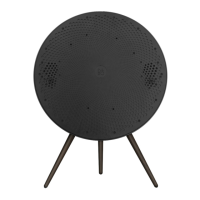
Press and hold on the right-hand side (“Next”) to enable
Bluetooth pairing. The product indicator turns blue, and
you get audible feedback. Select “Beosound A9 5th
Generation” on your smartphone, and you’re ready to use
Bluetooth streaming.
9


 To Next Page