ADAPTING THE PICTURE
56
BeoVision Avant and picture formats…
BeoVision Avant always ensures you
the best possible picture whether it is
the well-known standard TV format, or
the special film format, wide-screen
format.
BeoVision Avant automatically adapts
the standard TV picture format so that
it fills out as much of the picture screen
as possible.
On the BeoVision Avant, wide-screen
TV programmes and films are repre-
sented as a narrow picture surrounded
by black bars.
You can remove these black bars – or
rather enlarge the wide-screen picture
on BeoVision Avant so that it fills out
the screen.
When you watch a wide-screen
programme or film, you may adapt the
picture to the screen – filling out as
much as possible without losing part of
the picture or part of the information
transmitted with the picture*.
*Note: Wide-screen programmes or films come in
a variety of formats: Sometimes you will see just
the wide-screen picture; sometimes subtitles are
transmitted in the black bar below the actual
wide-screen picture; and sometimes other types of
information are transmitted in the black bar
above the picture.
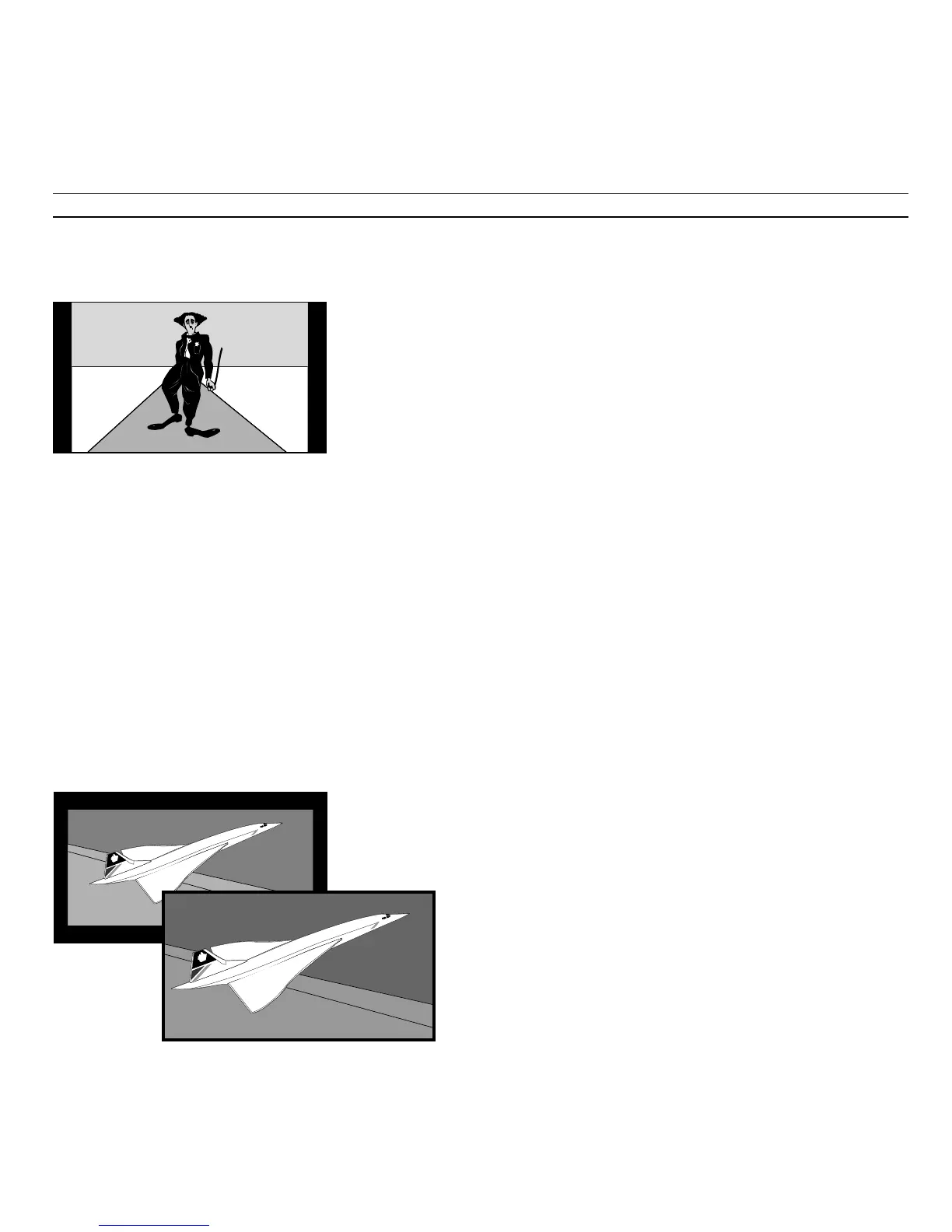
Standard TV picture
BeoVision Avant adapts normal TV transmissions
to fill out as much of the picture screen as
possible.
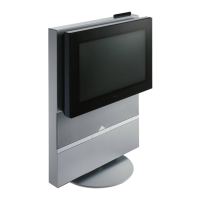
Wide-screen picture
Wide-screen TV programmes or films most often
appear in ’letter-box format’ on the BeoVision
Avant – ’letter-box format’ on BeoVision Avant is
a long, narrow picture surrounded by black bars...
Although the wide-screen picture can be adapted
to fill out the screen, you will, in a few instances,
have to settle for a picture with a black bar below
or above the picture to avoid losing vital
information, for example the subtitles.



 To Next Page