HYDRONIC UNIT
20
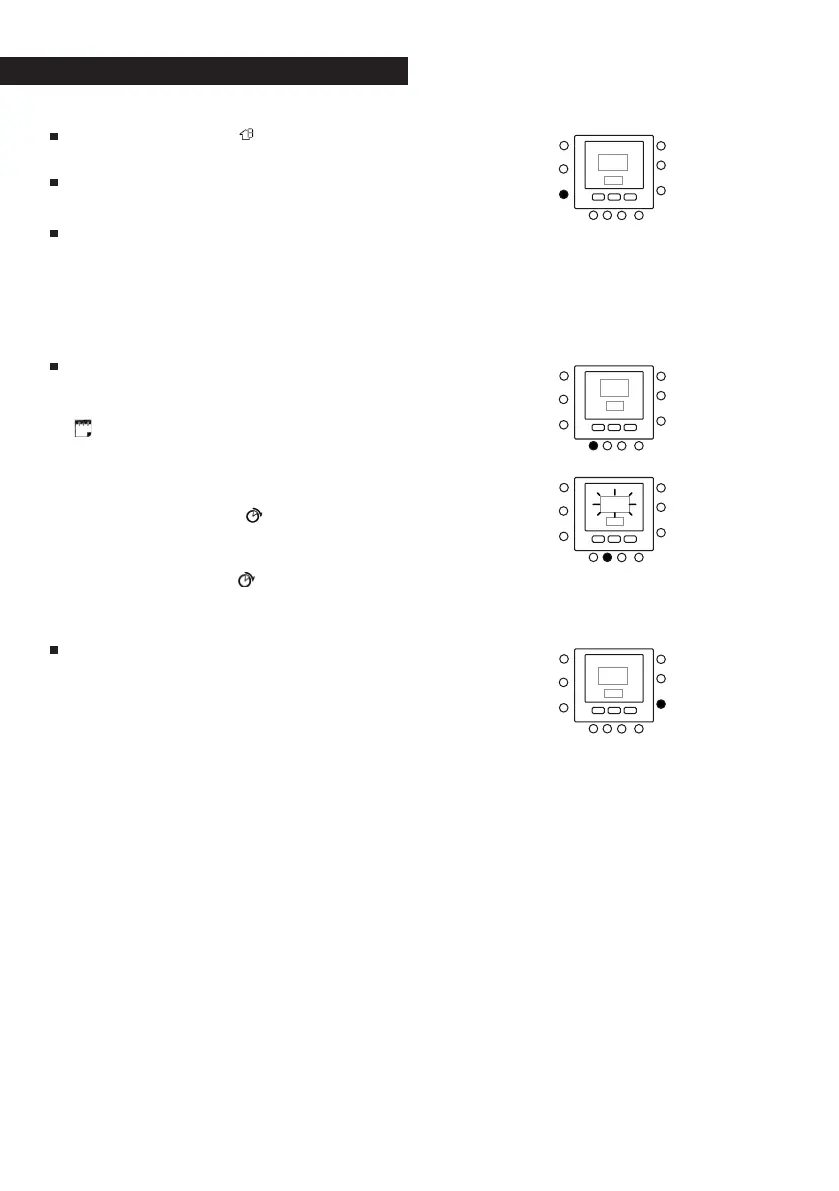
Press the ZONE ( ) key to set the
mode to ON or OFF.
Repeat the procedure used in step
2
.
If you did not select the period from 1
to 7 (every day) when you started this
procedure, repeat all the steps for the
remaining time choice - from 1 to 5
(weekdays), from 6 to 7 (weekends) or
day by day: 1, 2, 3, 4, 5, 6, 7.
To check whether the thermostat has
accepted your changes, scroll through
the six time periods by pressing DAYS
(
), selecting your program – from 1
to 7 (every day), from 1 to 5 (week-
days), from 6 to 7 (weekends) or day
by day: 1, 2, 3, 4, 5, 6, 7 – and then
press the PERIOD (
) key to see the
Touch ‘N’ Go options allocated for
each period start time. Every time you
press the PERIOD (
) key the display
will move on to the subsequent start
time.
Press the OK and/or close the flap.



 To Next Page