Portable DVD Player G724 Instructions for Use
Please read and retain these instructions for future reference v001: 12/03/20
Press to enter the setup menu, then use the direction keys and OK to set the
system menu.
Press repeatedly to switch among the input of the disc, SD card, USB source.
Use direction keys for: previous/next, fast forward/fast rewind
Press to enter the selected item or the choice
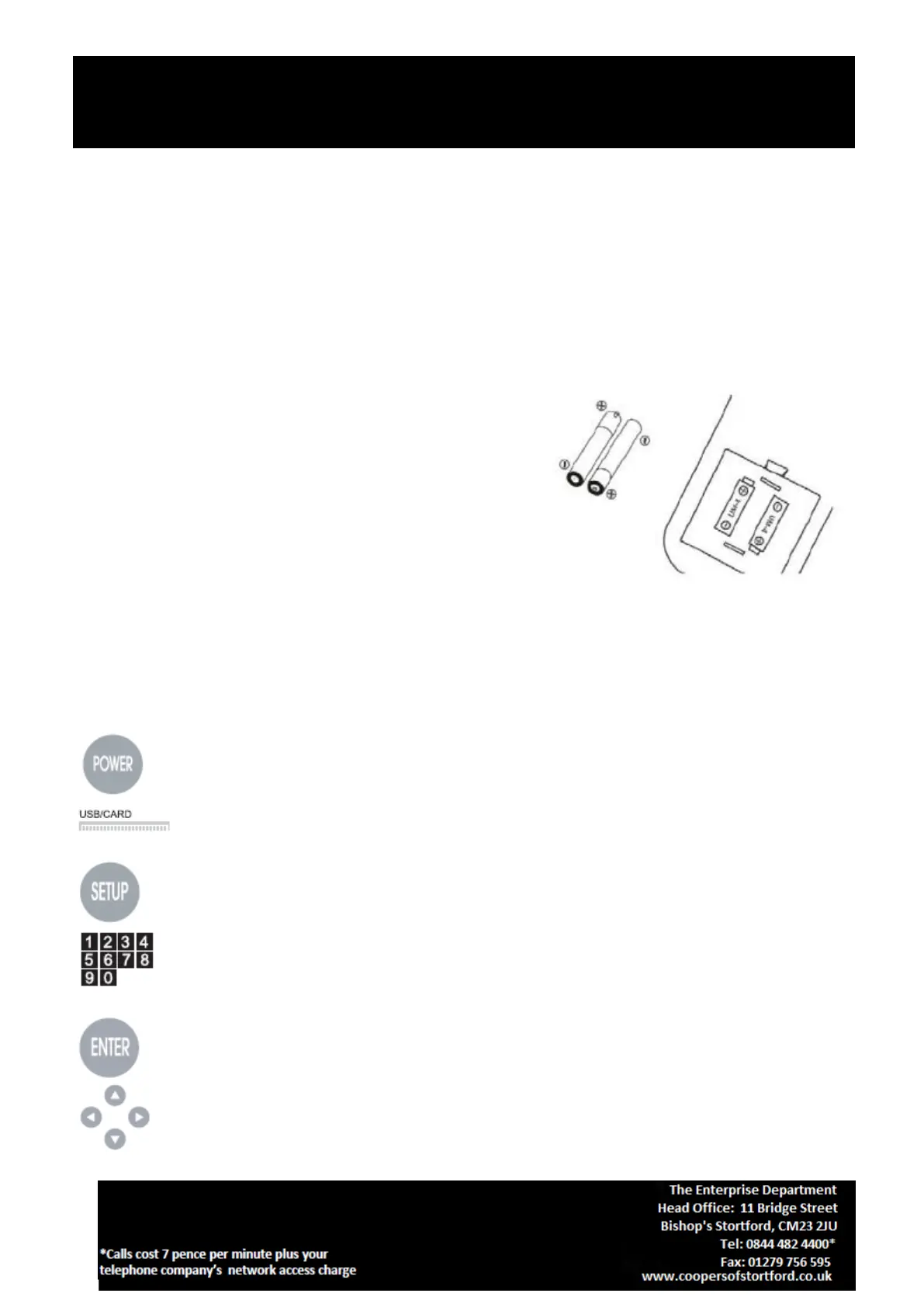
Battery installation and replacement
Unscrew battery cover and remove it.
Insert 2 new AAA batteries (not included).
Ensure positive (+) and negative (-) ends of the
batteries are facing in the correct direction.
Replace the battery cover.
Key Functions
Note: Some of the following buttons are only on the remote, some are only on the unit and some are on
both.
Press repeatedly to switch between disc, SD card, USB source input.
Press to enter/exit the setup menu.
The digit keys can be used to input the numbers or to select a track or a chapter number.
Press to enter an item in the menu or to confirm and execute a selection.
The direction keys can be used to move the highlight in the menu.


 To Next Page