Easy Use Smartphone H634 Instructions for Use
Please read and retain these instructions for future reference
V002:08/07/22
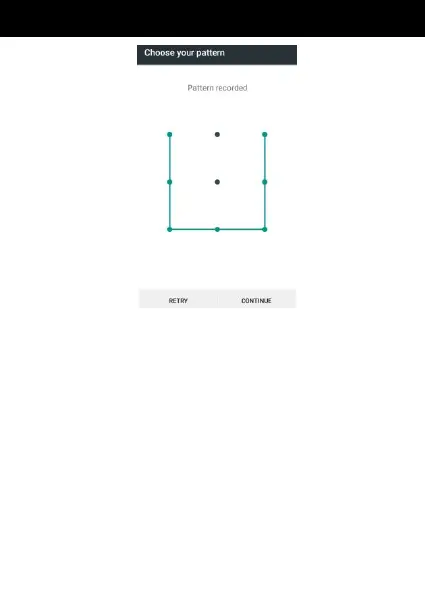
Set unlock PIN code
(1) Click setting application in main menu. (2)Click
Security. (3) Click Screen lock. (4) Click PIN (5)
Enter new PIN code(numbers) and click continue. (6)
Enter new PIN code again and click confirm.
Set unlock password
1) Click setting application in main menu.
2) Click Security.
3) Click Screen lock.
4) Click Password.
5) Set new password(letters and numbers) and
then click continue.
6) Enter the password again and the click


 To Next Page