7
⚫ For MP3 Disc
7. Aer focus search is performing, the total number of track and album will be shown on
the LCD display (2). The unit will start to plat directly.
8. Turn “Folder/Pre up /down ” knob on the remote control to select the folder number.
9. Press “Skip Up or Skip Down ” buon (23/13) to select the track number.
ID3/Display funcon (on remote control only)
Press the “Info” buon repeatedly, the LCD display (2) show “le” during playback of MP3 le,
the song le/album/song/arst name is being displayed few seconds in sequence. Then will
change back to current clock me.
Remark:-
- In that case of no name or not supporve languages had been assigned for the track, LCD
display will blank (2) when press the Info buon.
- No Title/Album name can be recognized if the input format on the Disc is not supporng
by the system.
- The system support only English and Arabic number for ID3 funcon.
MP3 track format requirement:-
- Bit rate : 32 kbps~320kbps, sampling rate: 32khz, 44.1khz and 48 kHz decodable
- The performance of playing MP3 Disc is various from the quality of recording disc and the
method of recording. Furthermore, the searching lead-me for MP3-CD is longer than
normal CD due to dierence format.
⚫ Repeat/Random mode (on remote control only)
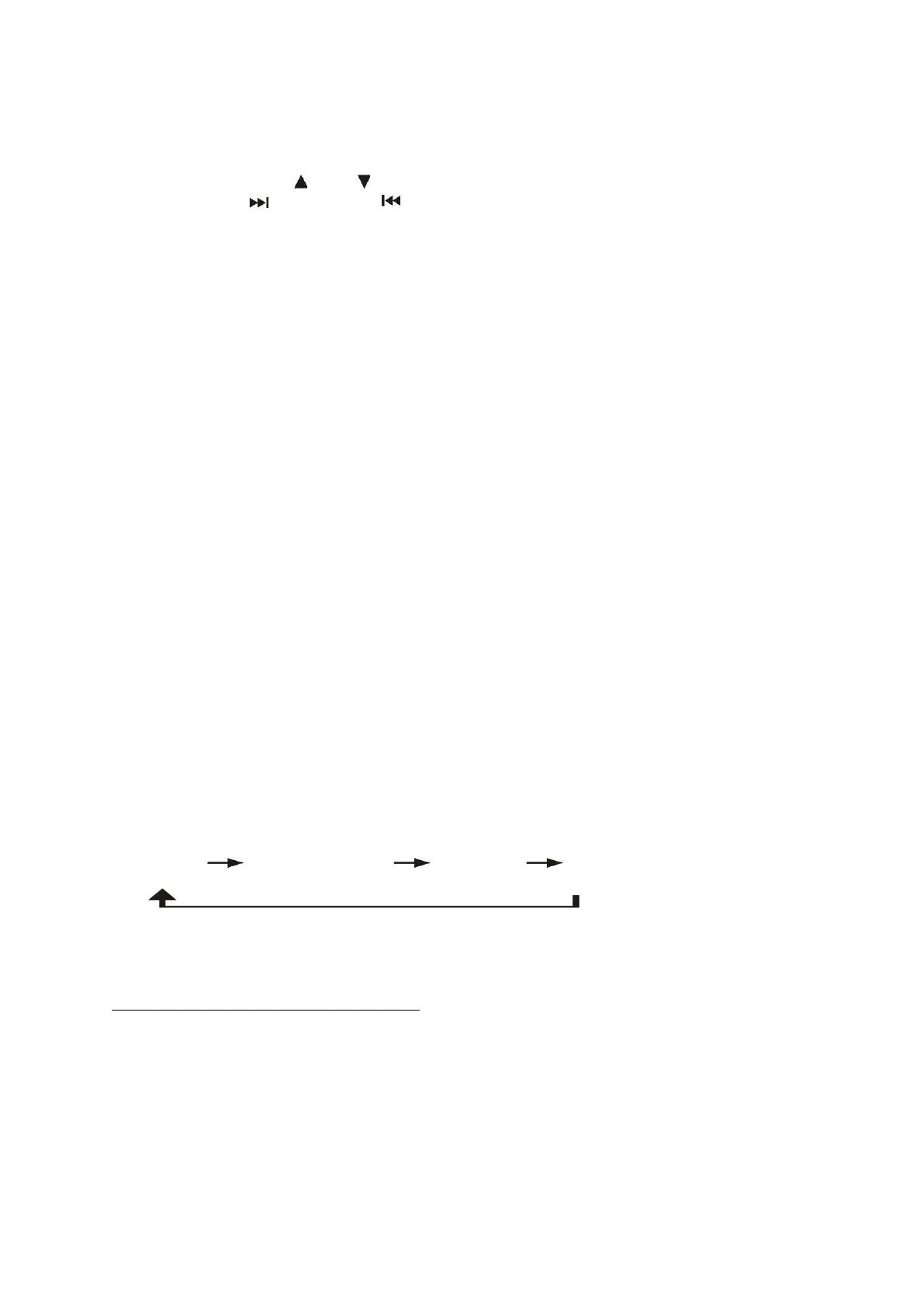
Press the “Play Mode” buon on the remote control during playback to select repeat and
random funcon, a single track, all the tracks repeat or folder repeat (MP3 only) and random
can be played in dierence mode as follow:-
For CD
(1) repeat 1 (2) repeat all track (3) random (4) o mode


 To Next Page
 Loading...