7
7
8
Mode of operation
en
Attach the embroidery hoop to the embroidery machine
Before attaching the embroidery hoop:
› Squeeze the both ends of the attaching mechanism.
› Move the the attaching mechanism to middle position 2.
› Raise the needle and the presser foot.
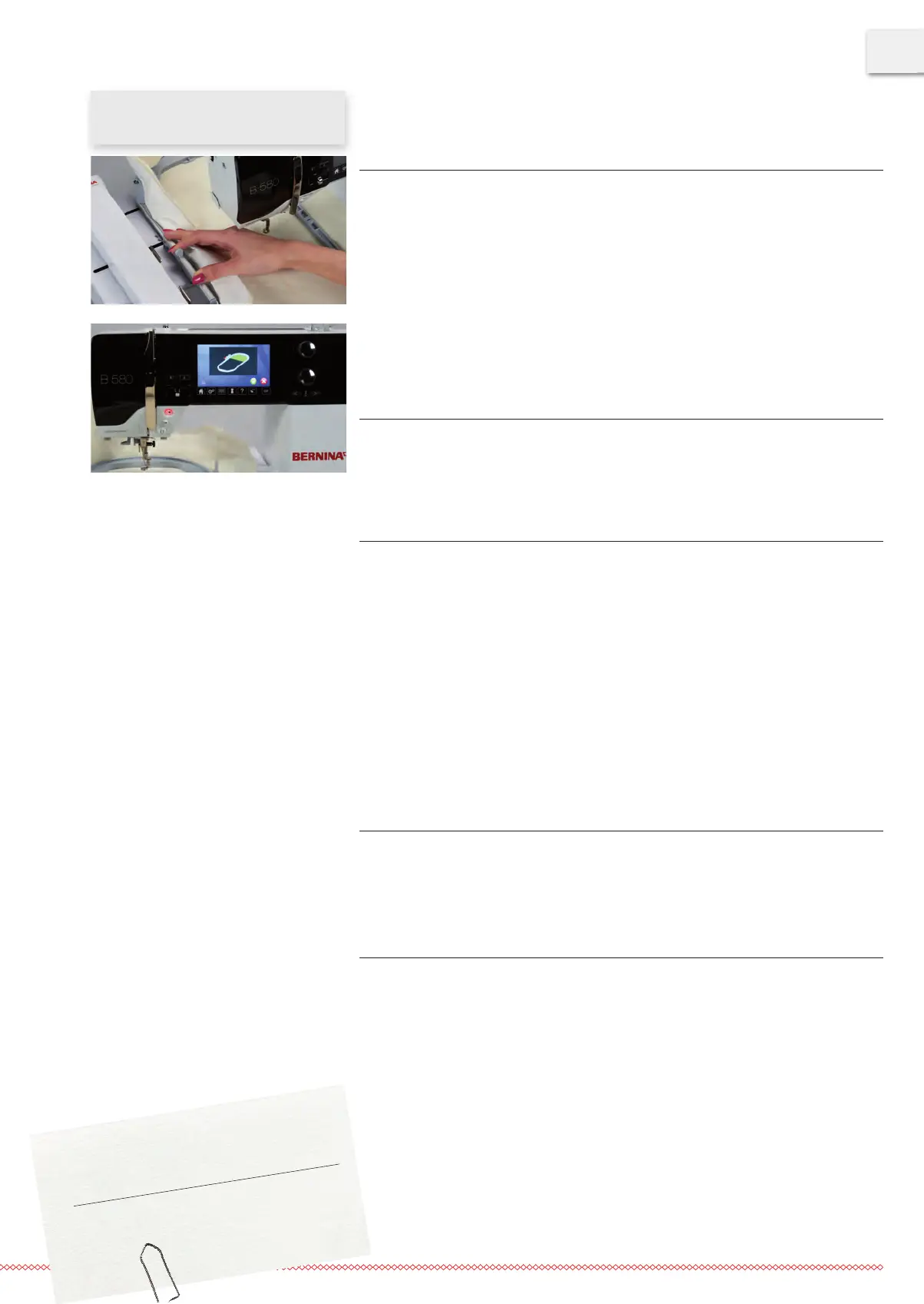
› Hold the embroidery hoop at the attaching mechanism and pass under the presser foot. (7).
› Squeeze both ends of the attachning mechanism against each other.
› Position the hoop over the brackets on the embroidery arm and push down until the atta-
ching mechanism engages.
› Release the ends of the attaching mechanism.
Embroidering
› Choose the embroidery motif and make the necessary adjustments.
› Start the embroidery machine.
› If the position of the embroidery hoop needs to be changed, a message appears on Display
(8).
Position change of the embroidery hoop
› Raise the needle and the presser foot.
› Press only the front end of the attaching mechanism.
› Move the hoop to the required position or pull the hoop carefully towards you until the
attaching mechanism engages.
Following positions are possible:
• Position 1: upper embroidery area
–
hoop is close to the user
• Position 2: middle embroidery area
–
the hoop is in the middle
• Position 3: lower embroidery area
–
the hoop is furthest from the user
› After a position change, pull the upper thread back manually, holding the upper thread spool.
Removing the embroidery hoop from the embroidery machine
› Raise the needle and the presser foot.
› Squeeze both ends of the attaching mechanism against each other.
› Position the attaching mechanism after finishing the motif to position 2.
› Remove the embroidery hoop.
Finishing and cleaning
› Loosen the setscrews and remove the fabric.
› Remove adhesive residues on the hoop using cleaning spray if necessary.
Tipp
With the embroidery machines B 880, B
830 B
780 und
B
750
QE
, a position change while embroidering is not requi-
red.



 To Next Page