EasyManua.ls Logo

Bestable ET1030 - 2 Bestable Introduction; Bestable Operation and Preparation; Bestable Status and Reminder

Bestable ET1030
28 pages
Print Icon
To Next Page IconTo Next Page
To Previous Page IconTo Previous Page
Loading...
Be
s
2
2.
1
2.
2
ope
win
d
s
table
E
T
Bes
t
1
Besta
b
Battery
C
If this na
v
1. Apply t
2
Besta
b
Reminde
r
When so
m
n the remin
d
d
ow throug
h
T
1030
t
able
b
le Op
e
C
harging
v
igator is f
i
h
e power a
d
b
le Sta
t
r
icons
m
e remind
m
d
er list. Cho
h
clicking th
e
Ne
w
Ret
u
Dis
Intr
o
e
ration
a
i
rst used,
p
d
ptor to cha
r
t
us and
m
essage ap
p
ose the me
n
e
column to
w
email
u
rn button
play recentl
y
o
duct
i
a
nd Pr
e
p
lease us
e
r
ge for Best
a
Remin
p
ears in yo
u
n
u you nee
d
slide up. Pl
e
y
-used appl
6
i
on
e
parati
o
e
AV adapt
o
a
ble.
de
r
u
r reminder
d
, and confir
m
e
ase refer t
o
ication
o
n
o
r to fully
c
window, pl
e
m
the infor
m
o
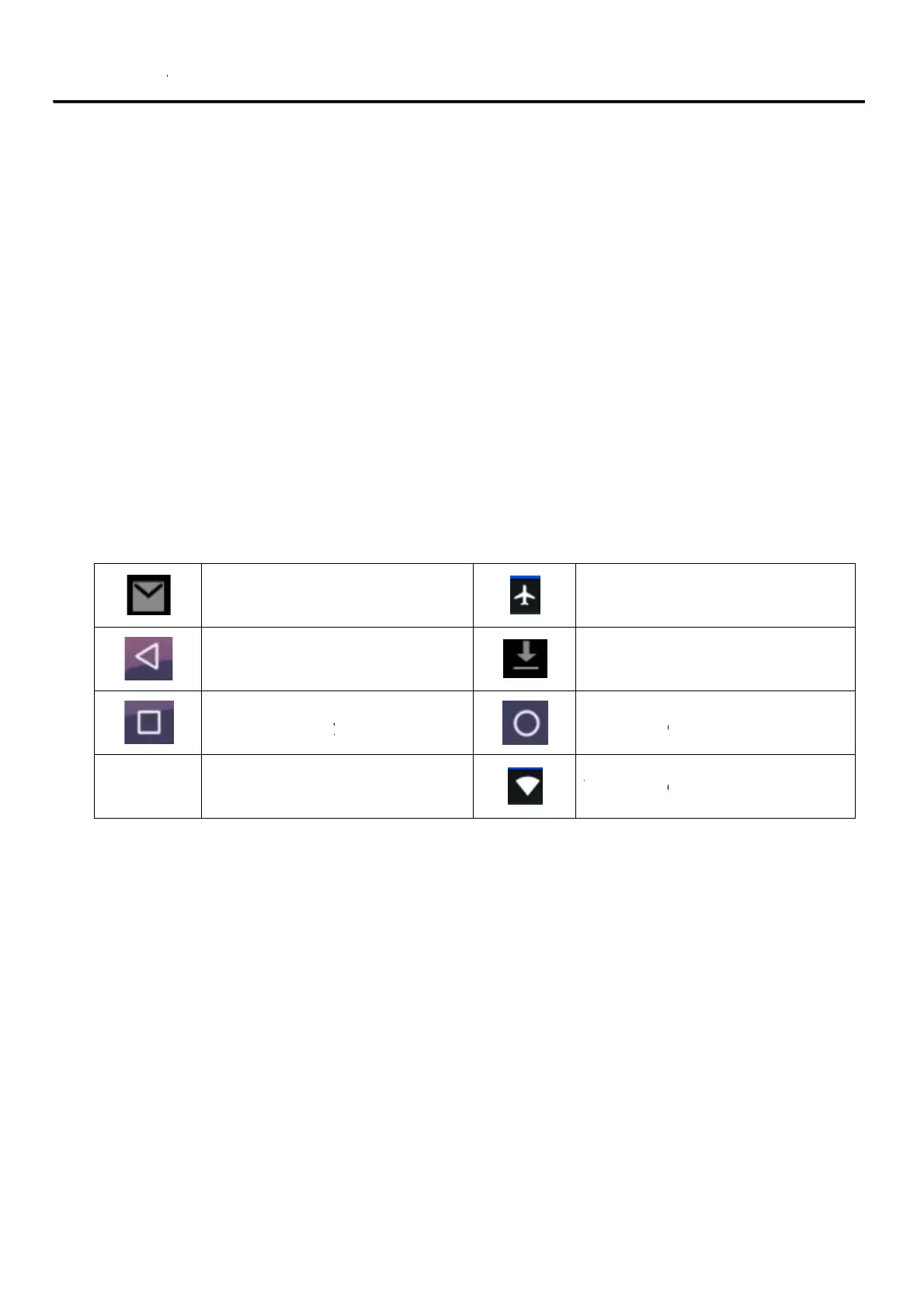
below stat
W
c
harge it.
e
ase click c
o
m
ation. The
n
us icons:
Airplane
M
Downloadi
Home butt
o
W
IFI conne
c
o
lumn and
s
n
you can cl
o
M
ode on
ng
o
n
c
ted, intern
e
s
lip the scre
e
o
se the remi
e
t is availab
e
n to
nder
le