
 Need help?
Do you have a question about the BestCon RM4C pro S and is the answer not in the manual?
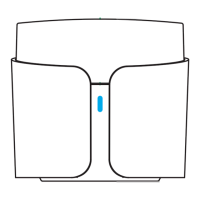
Press and hold the reset button for 5s until the LED indicator flashes intermittently to reset for AP setup.
Download the 'BestCon' App from the App Store or Google Play to set up your home.
Requires a 2.4GHz Wi-Fi network with internet connection for device pairing and operation.
Connect the device to a 5V/1A USB power supply; ensure the LED indicator flashes intermittently.
Guide for mounting the device to drywall using the provided mounting board and sensor accessory.
 General
| IR Frequency | 38KHz |
|---|---|
| RF | 433MHz |
| Operating Temperature | 0°C to 40°C |
| Power Input | 5V DC |
| IR Range | 8 meters |
| Storage Temperature | -20℃~60℃ |

 To Next Page