POWER RESET
•
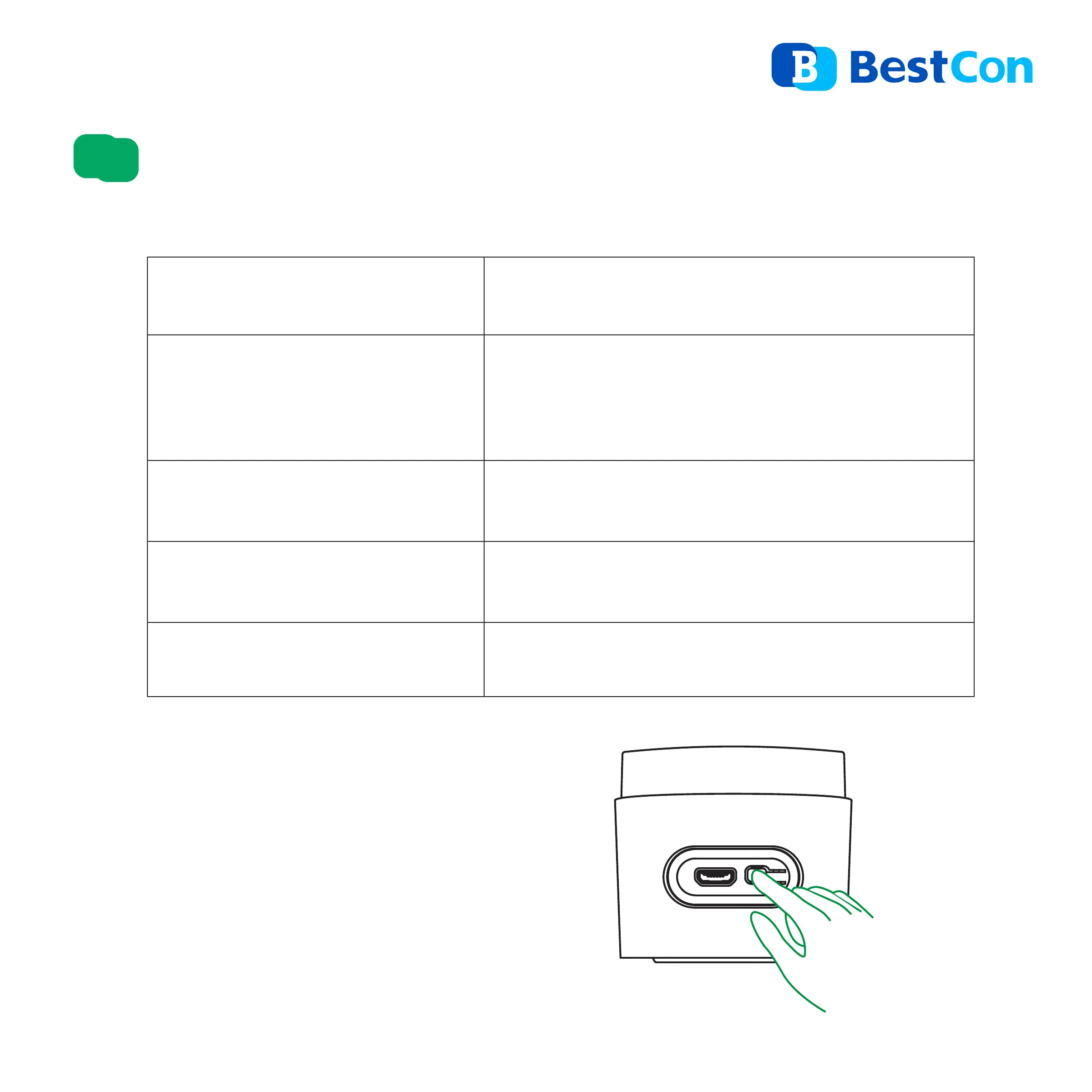
When the device is in any condi-
tions, press and hold the reset
button for 5s until the LED indicator
flashes intermittently.
Reset for AP Setup
Flashes intermittently
Device is in Auto-discovery
mode(Bluetooth)
Device is also in AP Setup mode
Flashes slowly then o
Device is being set up and added to
network
Flashes
slowly continuously
Device is failed to connect to network
or disconnected from network
Flash once IR/RF signal is sent
Status
Indication
Indications
3


 To Next Page