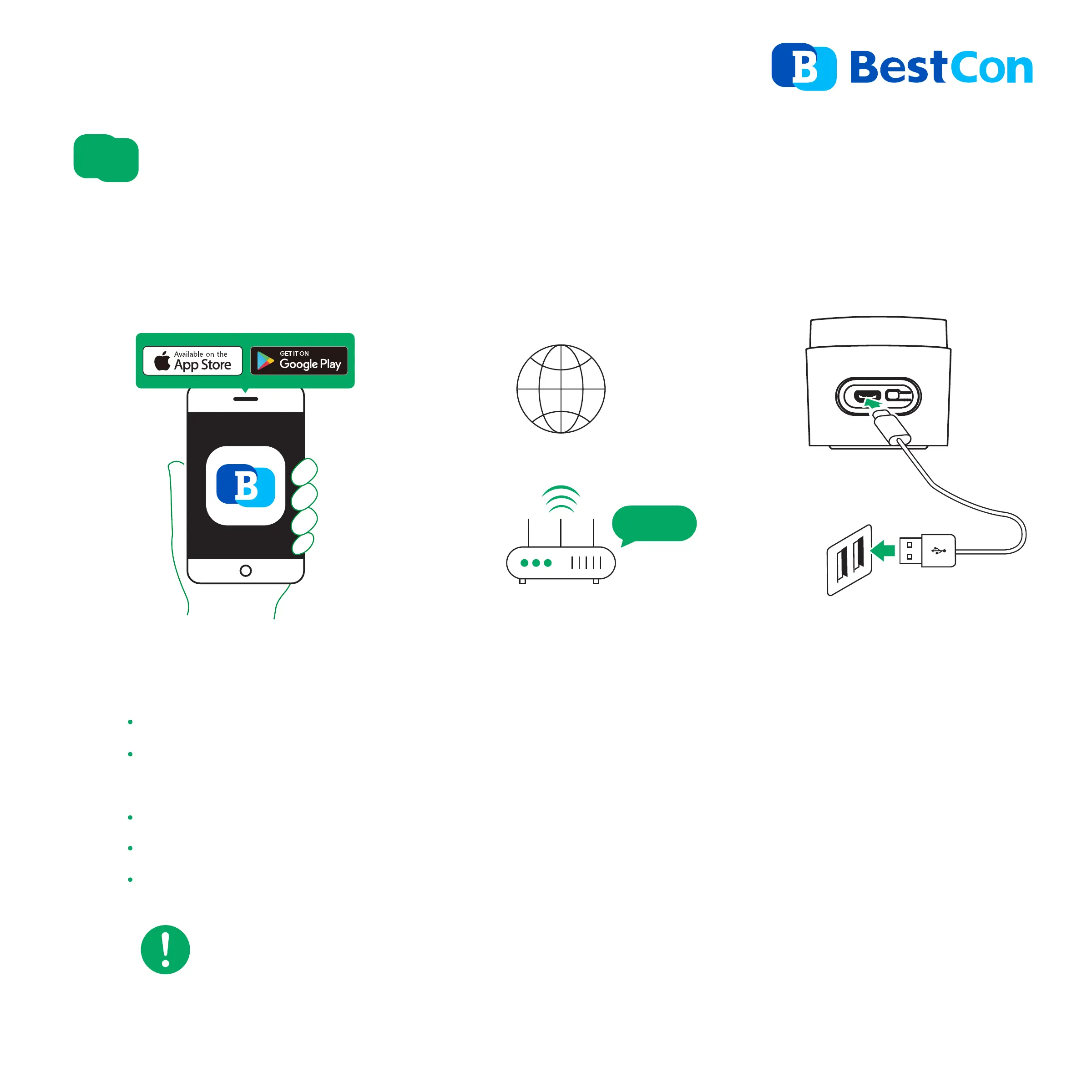
Please use standard 5V Micro USB power supply not less than 1A to power the device.
DO NOT use multi-port shared USB power supply.
NOTE
Add Device
4
POWER RESET
Power on
USB power source
Internet & Wi-Fi RouterDownload APP
2.4GHz
Download “BestCon” App from the App Store or Google Play by searching.
Open the App, sign up an account and follow the wizard to set up your home
for first use.
A smartphone or tablet running iOS 11 / Android™ 5.1 or higher.
A 2.4GHz Wi-Fi network with Internet connection.
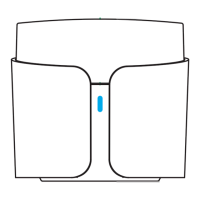
Power on the device and make sure the LED indicator is flashing intermittently.


 To Next Page