Need help?
Do you have a question about the Bestier L101217Y and is the answer not in the manual?
Provides phone number and email address for customer assistance.
Encourages users to contact for help and share feedback.
Guidance on inspecting packaging, reading instructions, and preparing the workspace.
Notes on people needed, assembly time, and tool usage cautions.
Warnings about using power tools, harsh chemicals, and handling the item.
Attaching the back panels using hardware N.
Installing the central shelves using hardware N.
Securing the top panel to the frame with hardware C.
Attaching the side panels using hardware G.
Connecting LED strip and preparing the remote control.
Marking wall for mounting using pen and bracket.
Fastening item to the wall for safety using hardware L and M.
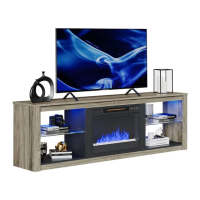
Placing the fireplace unit into the TV stand.
Fixing the fireplace unit to the TV stand using hardware 17.
Attaching support brackets for the fireplace with hardware K and C.
Securing the top of the fireplace unit with hardware G.
Connecting LED strip and preparing the remote control.
Instructions on operating the fireplace unit.
Fastening item to the wall for safety using hardware L and M.
 General
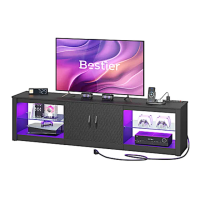
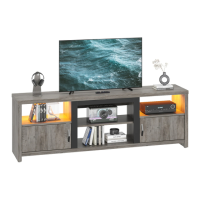
| Product Name | Bestier L101217Y |
|---|---|
| Product Category | TV Stand |
| Material | Engineered Wood, Metal |
| Style | Modern |
| Assembly Required | Yes |
| Color | Black |
| Shelf Dimensions | 15.7" W x 11.8" D |
| Type | TV Stand |

 To Next Page