EasyManua.ls Logo

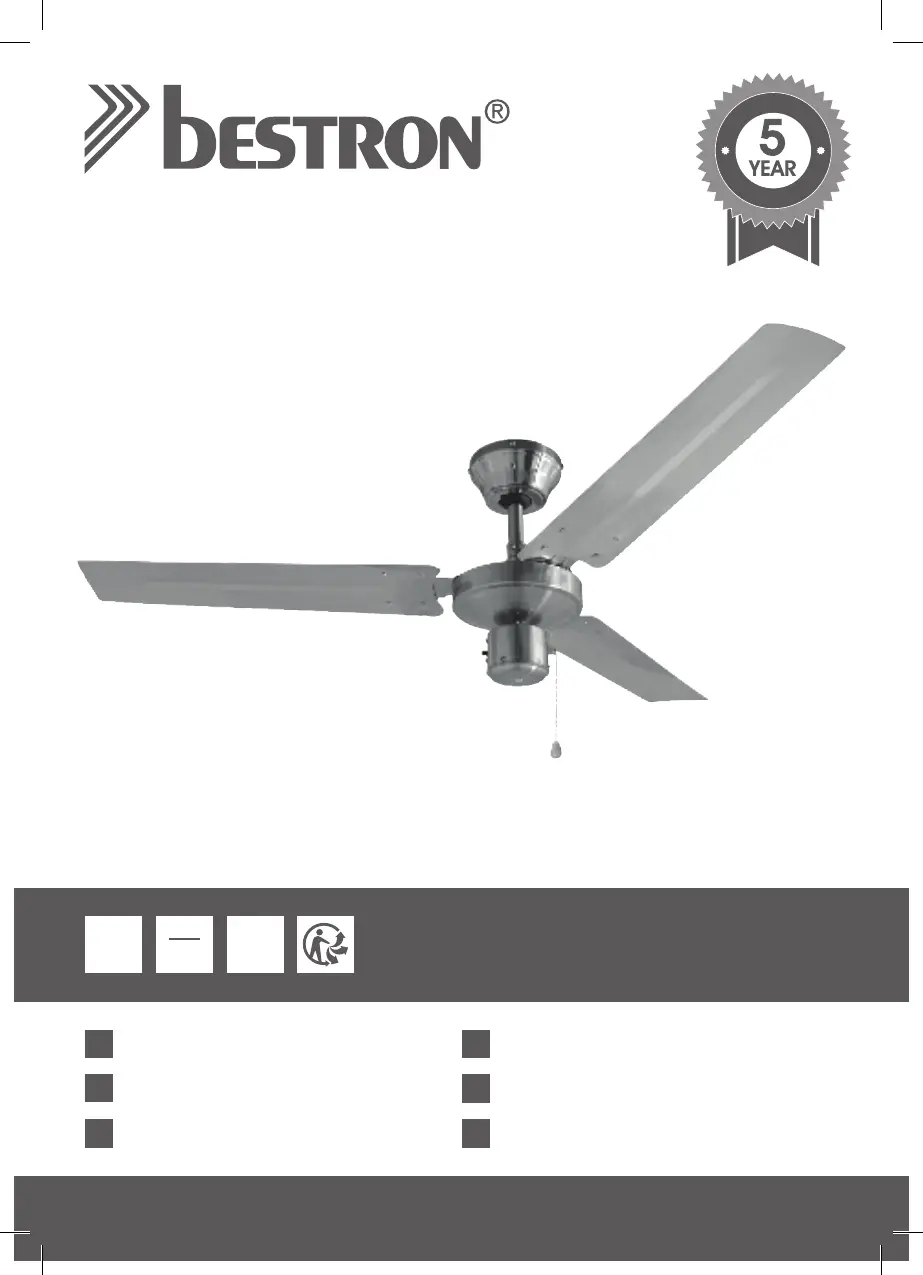
Bestron DT48C - User Manual

Bestron DT48C
56 pages
Go to English
Print Icon
To Next Page IconTo Next Page
Loading...
SUMMER BREEZE
DE
Handleiding
Bedienungsanleitung
Mode d’emploiFR
NL
EN
Manual del usuario
Instruction manual
Istruzioni per l’uso
IT
ES
50
Hz
220
240
Volts
DT48C
INSTRUCTION MANUAL
60
Watts
T
O
P
Q
U
A
L
I
T
Y
G
U
A
R
A
N
T
E
E

Questions and Answers

  • S
    smithallenAug 9, 2025
    Why is my Bestron Fan so noisy?
    • S
      Stephen TorresAug 9, 2025
      If your Bestron Fan is making noise, start by checking the screws in the motor housing to ensure they are snug, but not over-tight. Also, check the screws securing the fan blade flanges to the motor hub to make sure they are tight. If you have a light kit, ensure the screws securing the glassware are finger-tight and the light bulb is tight in its socket. Additionally, ensure that the wire nut connectors in the switch housing are not rattling against each other or the interior wall of the switch housing, remembering to turn off the main power before checking the switch housing. Finally, if you are using a solid-state variable speed control and motor noise results, consider choosing an alternative control method.
  • M
    Michael BrownAug 13, 2025
    What to do if my Bestron DT48C wobbles or shakes a lot?
    • E
      elizabeth76Aug 14, 2025
      If your Bestron Fan is wobbling or shaking excessively, first check to be sure the screws which attach the fan blade flanges to the motor hub are tight. Then, check to ensure the fan blade flanges seat firmly and cleanly to the top surface of the motor hub. If the issue persists, try interchanging adjacent blade pairs to redistribute the weight and potentially achieve smoother operation.
  • D
    debra09Aug 18, 2025
    How to fix a Bestron DT48C Fan that will not start?
    • N
      Nicole ClineAug 18, 2025
      If your Bestron Fan won't start, check the main and branch circuit fuses or circuit breakers. Also, check the line wire connections to the fan and switch wire connections in the switch housing, always ensuring the main power is turned off before checking any wiring.
  • S
    Stephanie BurtonAug 25, 2025
    What to do if my Bestron DT48C Fan will not start?
    • S
      Sandra MartinezAug 25, 2025
      If your Bestron Fan isn't starting, there are several potential causes: 1. The fan might be connected to a light switch that is turned off. Ensure the light switch is on. 2. A fuse or circuit breaker may have blown, or the main power might not be switched on. Verify that the main power is on. 3. There could be loose power line connections to the fan. In that case, check the line wire connections to the fan and switch wire connections in the switch housing. Warning: Make sure the main power is turned off before checking the connections.
  • R
    Rebecca BaileyAug 29, 2025
    What to do if Bestron Fan wobbles or shakes excessively?
    • R
      rballAug 29, 2025
      If your Bestron Fan wobbles or shakes excessively, it might be due to: * Incorrect installation of the mounting plate. Check that the mounting plate is firmly attached to the ceiling. * Improperly secured down rod. Make sure the down rod is secured properly.
  • M
    markscottSep 3, 2025
    How to troubleshoot a Bestron Fan that won't start?
    • L
      Lisa MyersSep 3, 2025
      If your Bestron Fan won't start, consider these possible causes: 1. The fan may be connected to a light switch that has been turned off. Check if the light switch is on. 2. A fuse or circuit breaker may have blown, or the mains power might not be switched on. Verify that the mains power is switched on. 3. Loose power line connections to the fan could be the issue. Inspect the line wire connections to the fan and the switch wire connections in the switch housing. Important: Ensure the main power is turned off before checking any connections.

Bestron DT48C Specifications

General IconGeneral
TypeTower Fan
Power45 W
Speed Settings3
OscillationYes
Height AdjustableNo
Voltage220-240 V
Frequency50 Hz

Related product manuals