EasyManua.ls Logo

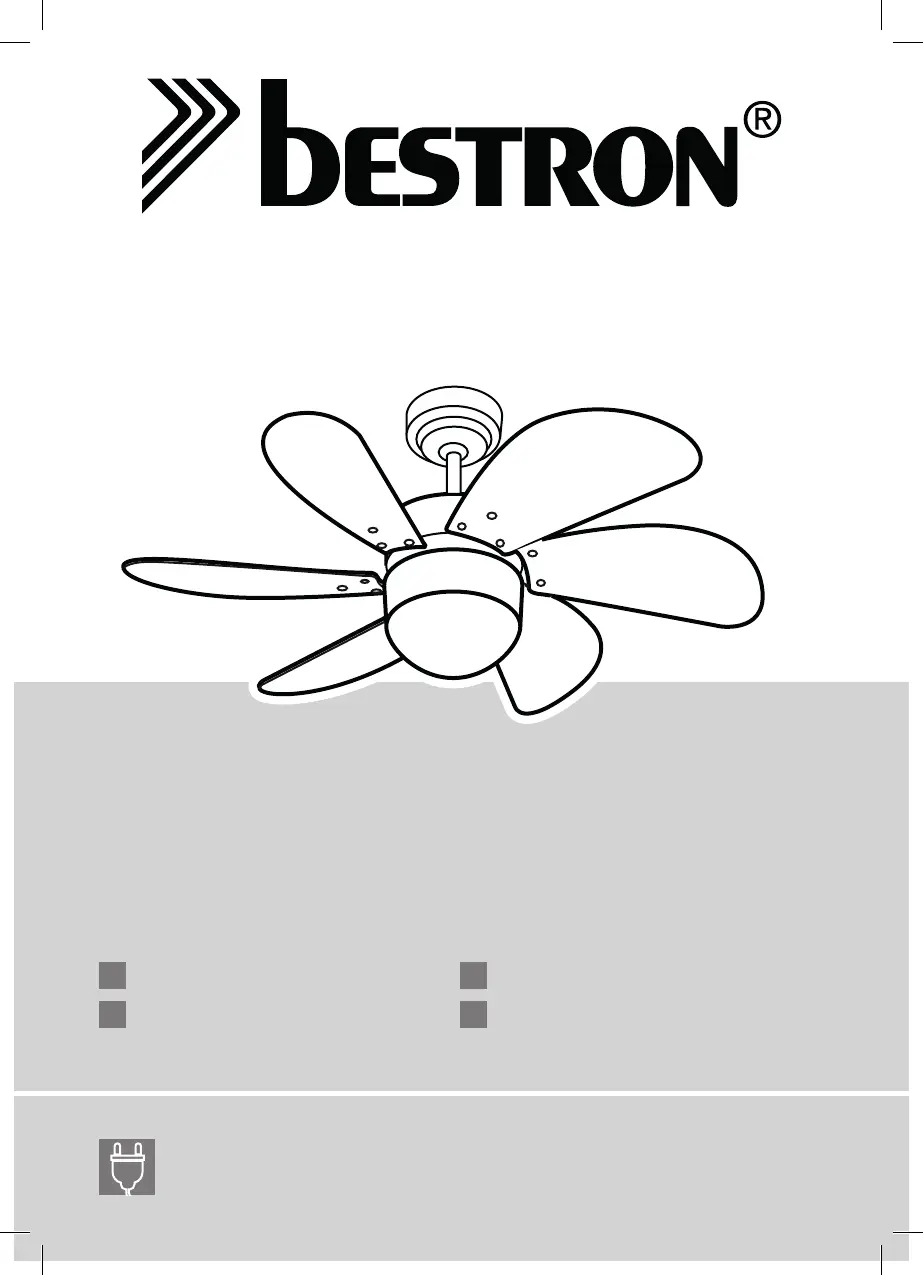
Bestron DC30T - User Manual

Bestron DC30T
24 pages
Go to English
Print Icon
To Next Page IconTo Next Page
Loading...
DC30T
v 100215-01
NL
Handleiding plafondventilator
DE
Gebrauchsanweisung Deckenventilator
FR
Mode d'emploi ventilateur de planfond
EN
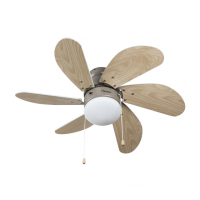
Instruction manual ceilinfg fan
50W, 220-240V ~ 50Hz

Other manuals for Bestron DC30T

Questions and Answers

  • M
    Mrs. Maria Lee DDSAug 10, 2025
    Why does my Bestron Fan wobble or shake excessively?
    • B
      brenda42Aug 10, 2025
      If your Bestron Fan wobbles or shakes excessively, there are several potential causes: 1. Loose screws: Ensure that the screws attaching the fan blade flanges to the motor hub are tightened. 2. Improperly sealed flanges: Verify that the fan blade flanges seat firmly and cleanly to the top surface of the motor hub. 3. Blade imbalance: Try interchanging adjacent blade pairs to redistribute the weight and achieve smoother operation.
  • L
    lgutierrezAug 30, 2025
    What to do if my Bestron DC30T will not start?
    • C
      Chelsea FloresAug 31, 2025
      If your Bestron Fan will not start, here are some things to check: * Check the main and branch circuit fuses or circuit breakers to see if they have blown. * Check the line wire connections to the fan and the switch wire connections in the switch housing. Make sure the main power is turned off before checking any wiring.
  • E
    Erin SmithNov 20, 2025
    Why is my Bestron DC30T so noisy?
    • A
      Adrian TaylorNov 20, 2025
      If your Bestron Fan sounds noisy, here are a few things you can check: 1. Loose screws: Make sure all screws in the motor housing are snug (not over-tight). 2. Blade screws: Check that the screws securing the fan blade flanges to the motor hub are tight. 3. Rattling wire nuts: Ensure wire nut connectors in the switch housing are not rattling against each other or the interior wall of the switch housing. Be sure to turn off the main power before inspecting the switch housing. 4. Light kit (if applicable): If you're using a light kit, make sure the screws securing the glassware are finger-tight and that the light bulb is tight in its socket. 5. Solid-state control: If you are using a solid-state variable speed control, the motor noise may be a result of interference. Try an alternate c...

Summary

MONTAGE

WIRING INSTRUCTION

Details on connecting the fan's wires to the power supply, emphasizing ground wire connection first.

INSTALLATION OF LIGHT KIT (OPTIONAL)

LIGHT ASSEMBLY

Steps for installing a light bulb and attaching the glass shade to the light kit.

OPERATION INSTRUCTION

Sequence of pull chain operations and slide switch functions for fan direction

Explains the pull chain sequence (OFF-HI-MED-LOW) and slide switch for forward/reverse blade action.

TROUBLESHOOTING

Fan will not start

Troubleshooting steps for when the fan fails to power on, checking fuses, circuit breakers, and connections.

Fan sounds noisy

Diagnosing and fixing noise issues, including loose screws, blade holders, wire nuts, and glassware.

Fan wobbles or shakes excessively

Addressing fan instability by checking blade holder screws, flange seating, and blade balance.

Bestron DC30T Specifications

General IconGeneral
BrandBestron
ModelDC30T
CategoryFan
LanguageEnglish

Related product manuals