|< >|
19
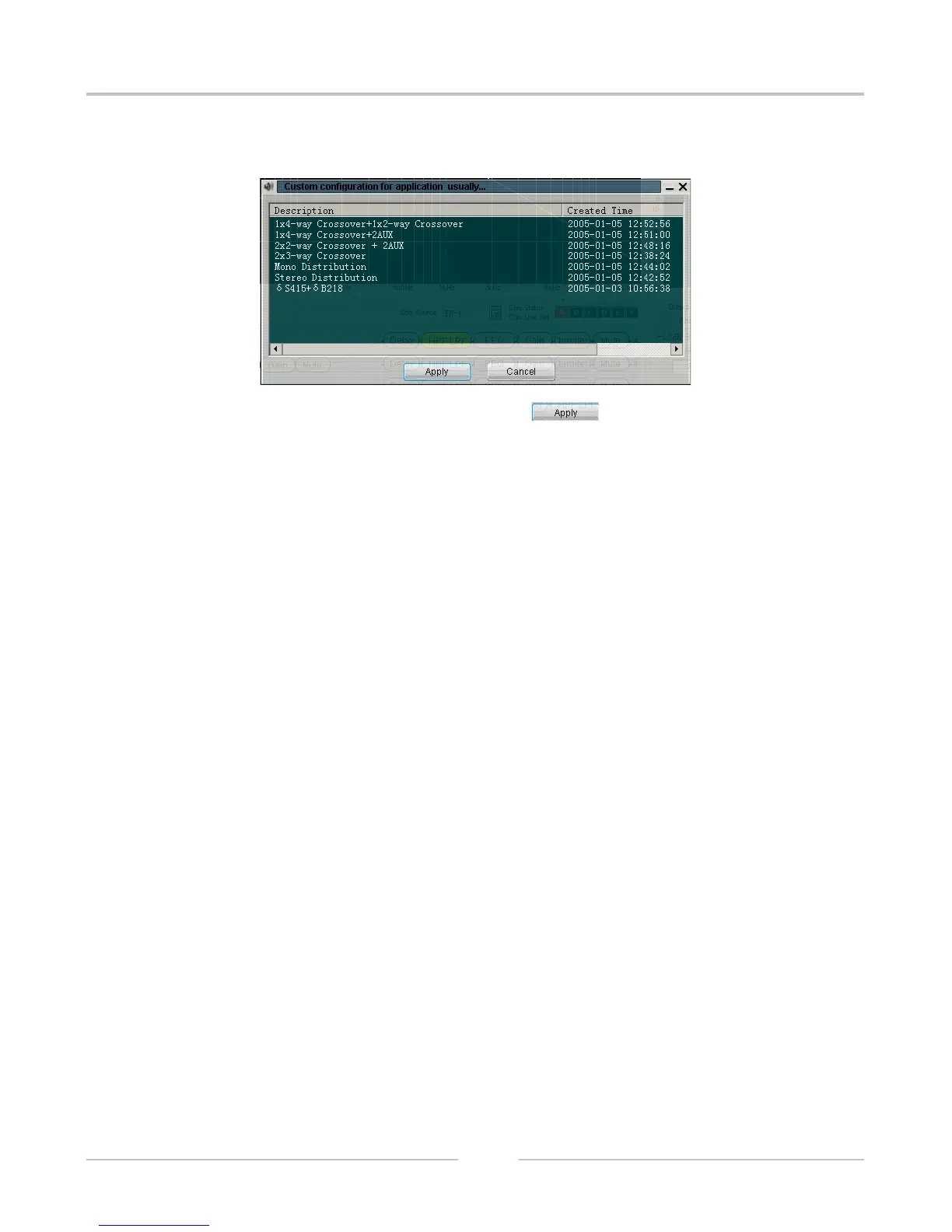
15). Default configure adjustment: when it is in the off line status, click the button for showing the following
interface:
Select the default configure file which need to adjust, click APPLY , for returning to the main interface.
At the time, the parameter of the controller did not change. Click the command for login. Select download
configure to controller. The parameter of controller will update after successful login, Audio process will be
effective. Please check the other relevant illustration of further operation.
DIGITAL SPEAKER PROCESSOR


 To Next Page