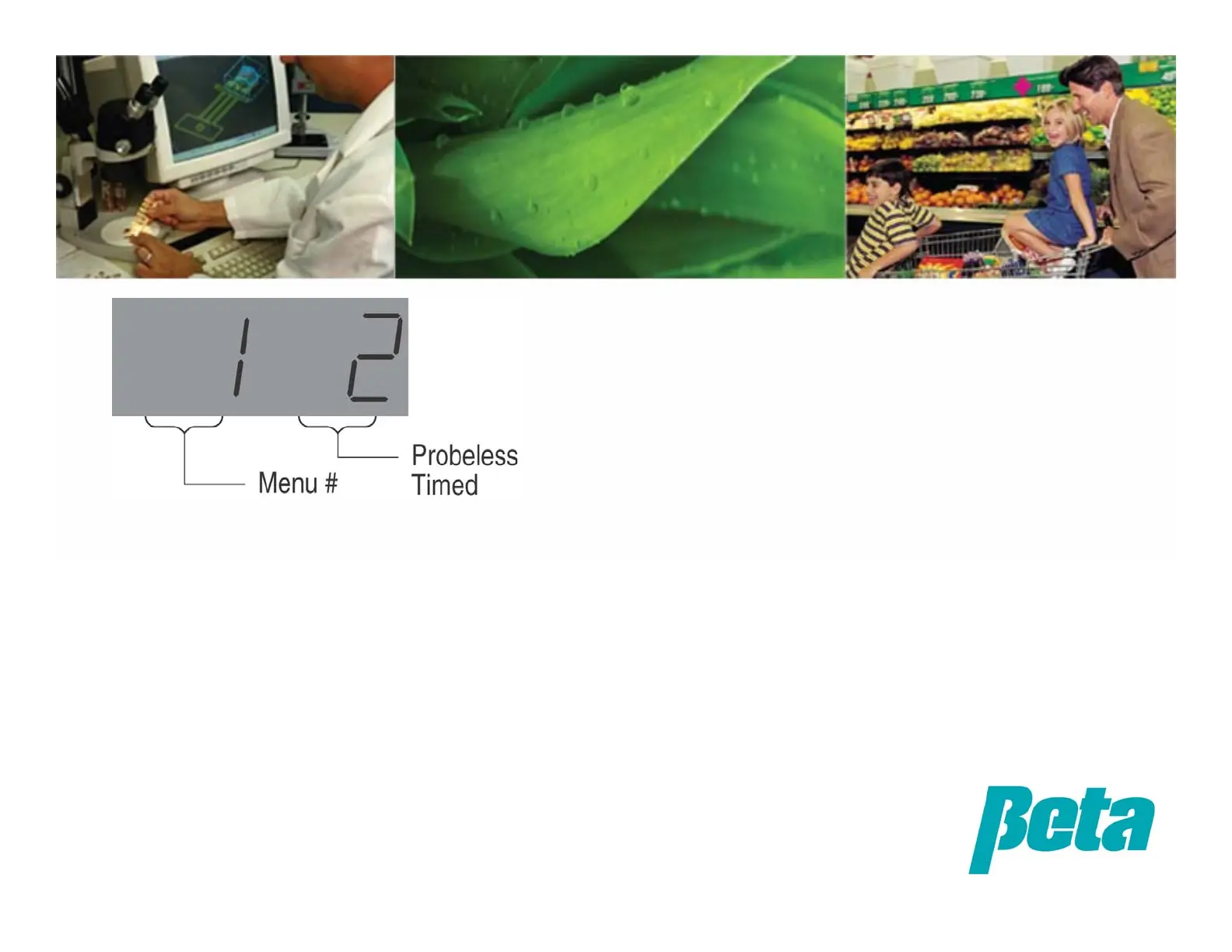
• Use the DATA UP and DATA DOWN
keys on the Uniview to set the
number to 1 for Probe Mode, 2 for
Probeless Timed Mode or 3 for
Probeless Speed Mode
• So, screen will read:
•1 1 = Probe mode
•1 2 = Probeless time mode
• 1 3 = Probeless speed mode (only
recommended for special installs by
advanced users)
Programming: Mode Selection


 To Next Page