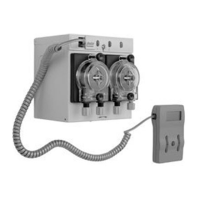
Uniview
Programming
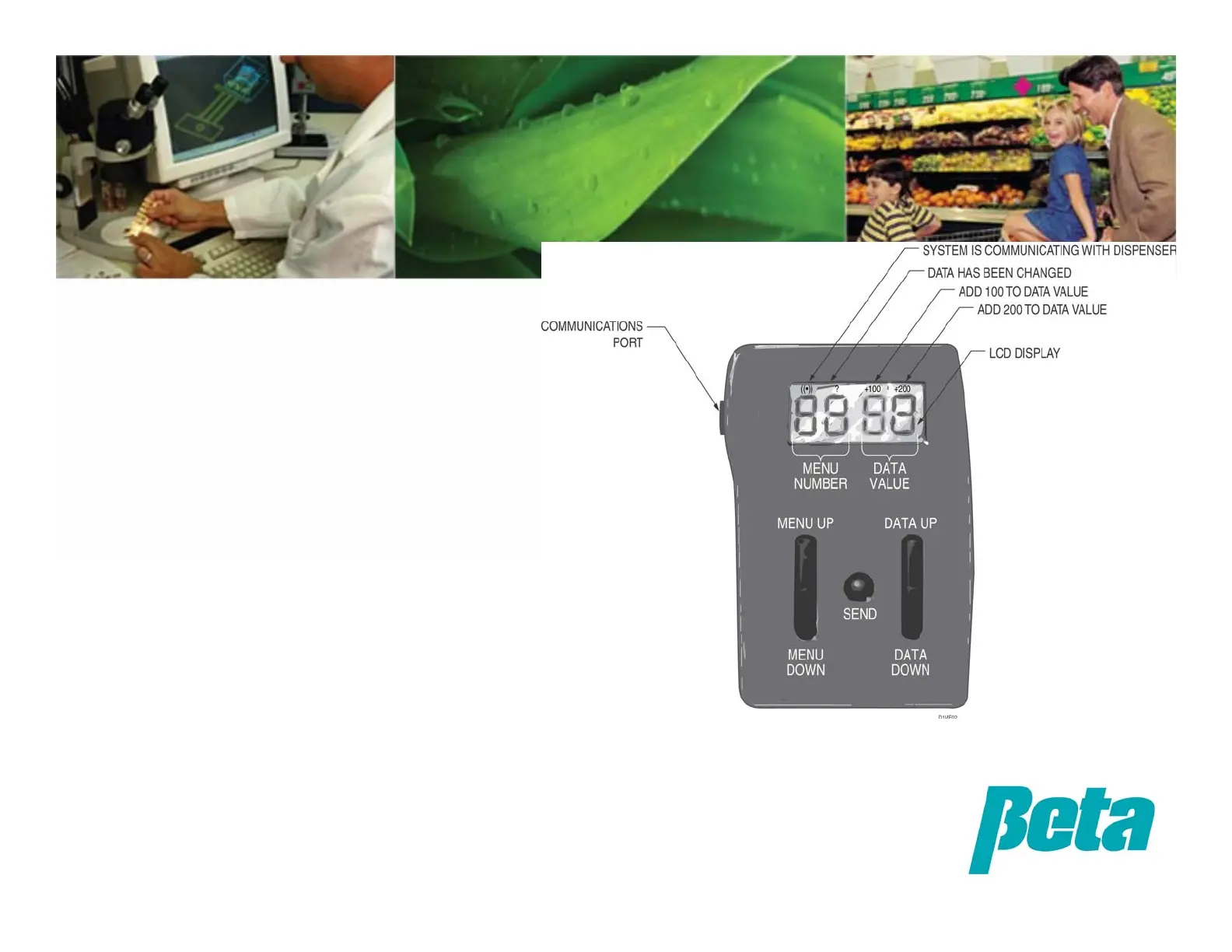
When any value rises above 99, the LCD will indicate +100 or +200 in the upper right. When a value is set
outside the valid range, it will be rejected and the minimum or maximum will be displayed and used.
Pressing the send key when viewing a read-only menu such as the probe reading will cause the programmer
to display “EE”. If you change a value and then press the menu key without pressing send, the check mark
will flash to remind you to press send before changing the menu#; pressing a menu button twice will
change the menu selected without saving the new setting.
• Before programming, you must
change menu 23 from knob control
“0” to Uniview control “1”.
• Hold down data up/data down to
change a value by increments of
10.
• A check mark appears above the
Menu Number whenever a setting
has been changed but not saved.
• Remember to push the “send”
button after changing a setting, or
it will not be saved.


 To Next Page
 Loading...