24
4. Preparing the measurement
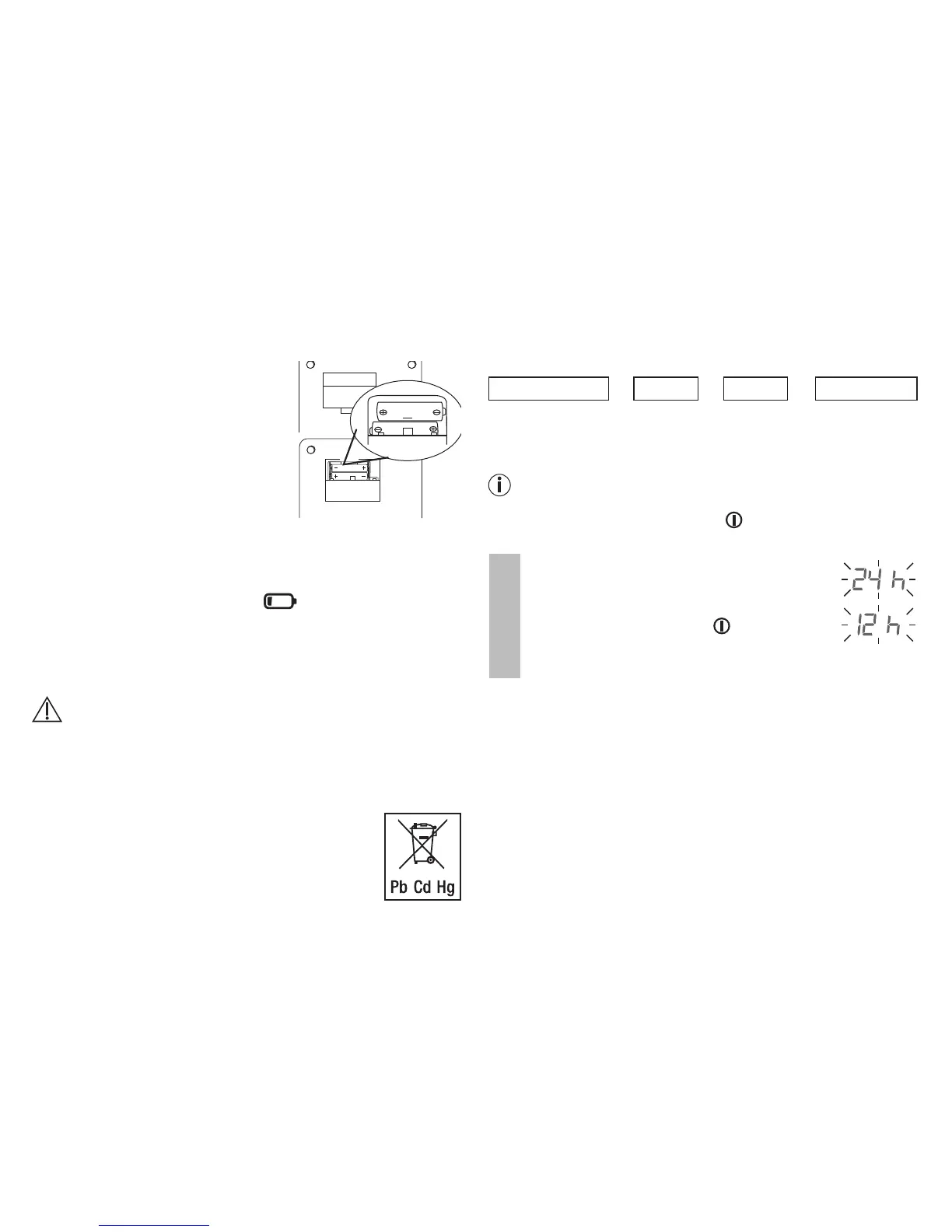
Inserting the batteries
•
R
emove the battery compartment
lid on the rear of the device.
•
I
nsert 2x 1.5VAA (alkaline type
LR06) batteries. Make sure that the
batteries are inserted the correct
way round. Do not use rechargeable
batteries.
•
C
lose the battery compartment lid
again carefully.
24 h flashes on the display. Now set the date and time as
described below.
If the battery replacement symbol is permanently dis-
played, you can no longer perform any measurements and
must replace all batteries. Once the batteries have been
removed from the device, the date and time must be set again.
Any saved measured values are retained.
Battery disposal
• The empty, completely flat batteries must be disposed of
through specially designated collection boxes, recycling
points or electronics retailers. You are legally required to
dispose of the batteries.
• The codes below are printed on batteries
containing harmful substances:
Pb = Battery contains lead,
Cd = Battery contains cadmium,
Hg = Battery contains mercury
Set the hour format, date, time and Bluetooth
®
settings
The following section describes the functions and settings
available on the blood pressure monitor.
Hour format
➔
Date
➔
Time
➔
Bluetooth
®
It is essential to set the correct date and time. Otherwise, you
will not be able to save your measured values correctly with a
date and time and access them again later.
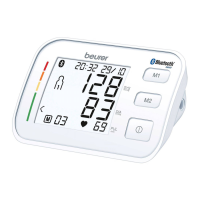
If you press and hold the M1 or M2 memory button, you
can set the values more quickly.
Press and hold the START/STOP button for 5seconds if
you have not reinserted the batteries.
Hour format
The hour format now flashes on the display.
•
S
elect the desired hour format using the
M1/M2 memory buttons and confirm with
the START/STOP button .
2 x 1,5V AA


 To Next Page