29
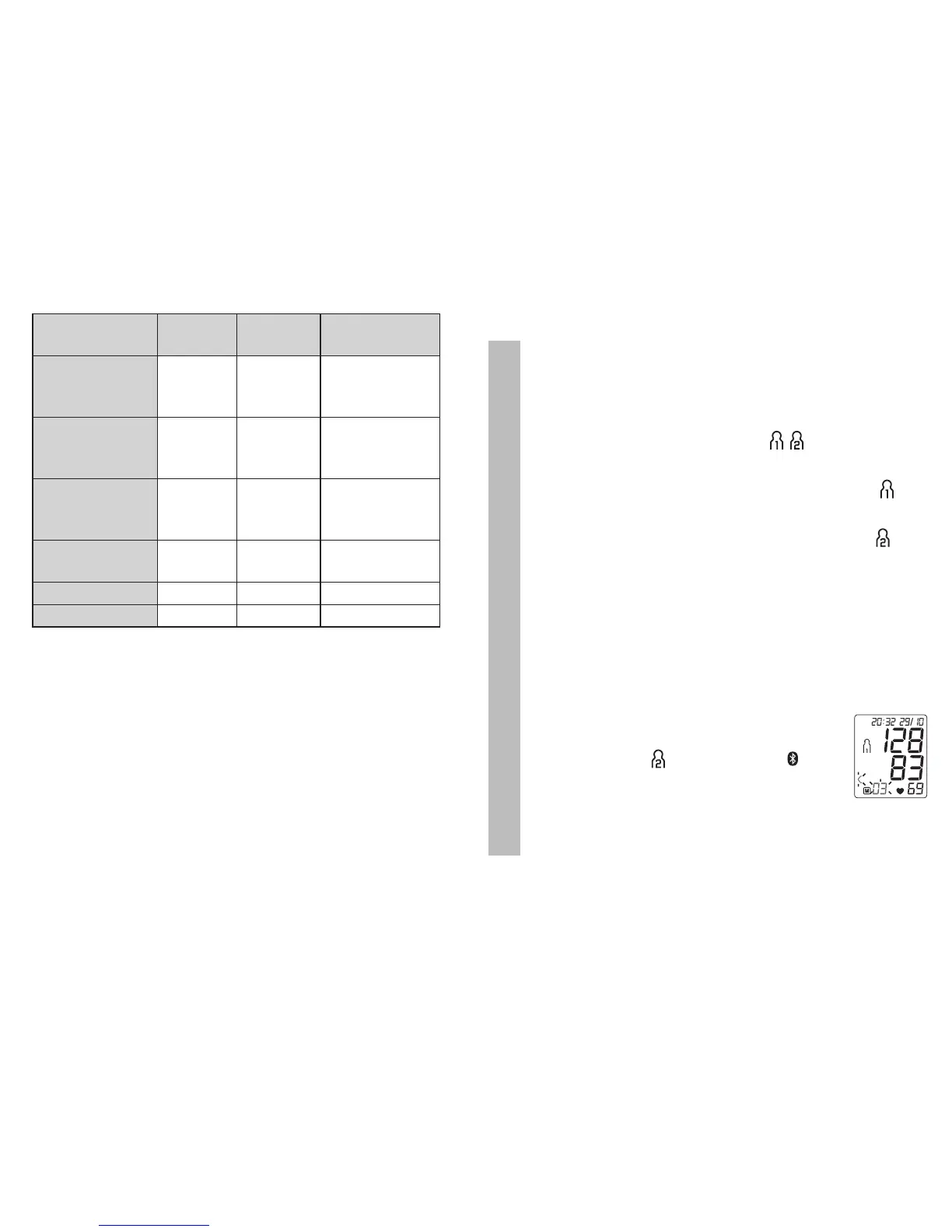
Blood pressure
value category
Systole
(in mmHg)
Diastole
(in mmHg)
Action
Setting 3:
severe
hypertension
≥ 180 ≥ 110
seek medical
attention
Setting 2:
moderate
hypertension
160 – 179 100 – 109
seek medical
attention
Setting 1:
mild
hypertension
140 – 159 90 – 99
regular monito-
ring by doctor
High normal 130 – 139 85 – 89
regular monito-
ring by doctor
Normal 120 – 129 80 – 84 self-monitoring
Optimal < 120 < 80 self-monitoring
Source: WHO, 1999 (World Health Organization)
7. Display and delete measured values
User memory
The results of every successful measurement are stored
together with the date and time. The oldest measurement
is overwritten in the event of more than 60 measure-
ments.
•
S
elect the desired user memory ( ) using the M1
or M2 memory buttons if the device is switched off.
– To view the measurement data for user memory ,
press the M1 memory button.
– To view the measurement data for user memory ,
press the M2 memory button.
•
The average of all measurements appears on the dis-
play.
•
If
Bluetooth
®
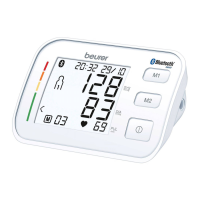
is activated (the symbol will flash on the
display), the blood pressure monitor is attempting to
connect to the app. If you press the
M1
button in the
meantime, the transfer will be cancelled and the morning
average will be displayed.
•
I
f you press the M2 button, the transfer
is cancelled and the measurement data
of user memory is displayed. The
symbol is no longer shown. The buttons
are deactivated as soon as a connection is
established and the data is transferred.
•


 To Next Page