27
•
T
o carry out a blood pressure measurement, make sure you
are sitting comfortably with your arms and back leaning on
something. Do not cross your legs. Place your feet flat on
the ground.
•
T
o avoid falsifying the measurement, it is important to remain
still during the measurement and not to speak.
Performing the blood pressure measurement
Measurement
As described above, attach the cuff and adopt the pos-
ture in which you want to perform the measurement.
• Press the START/STOP button to start
the blood pressure monitor.
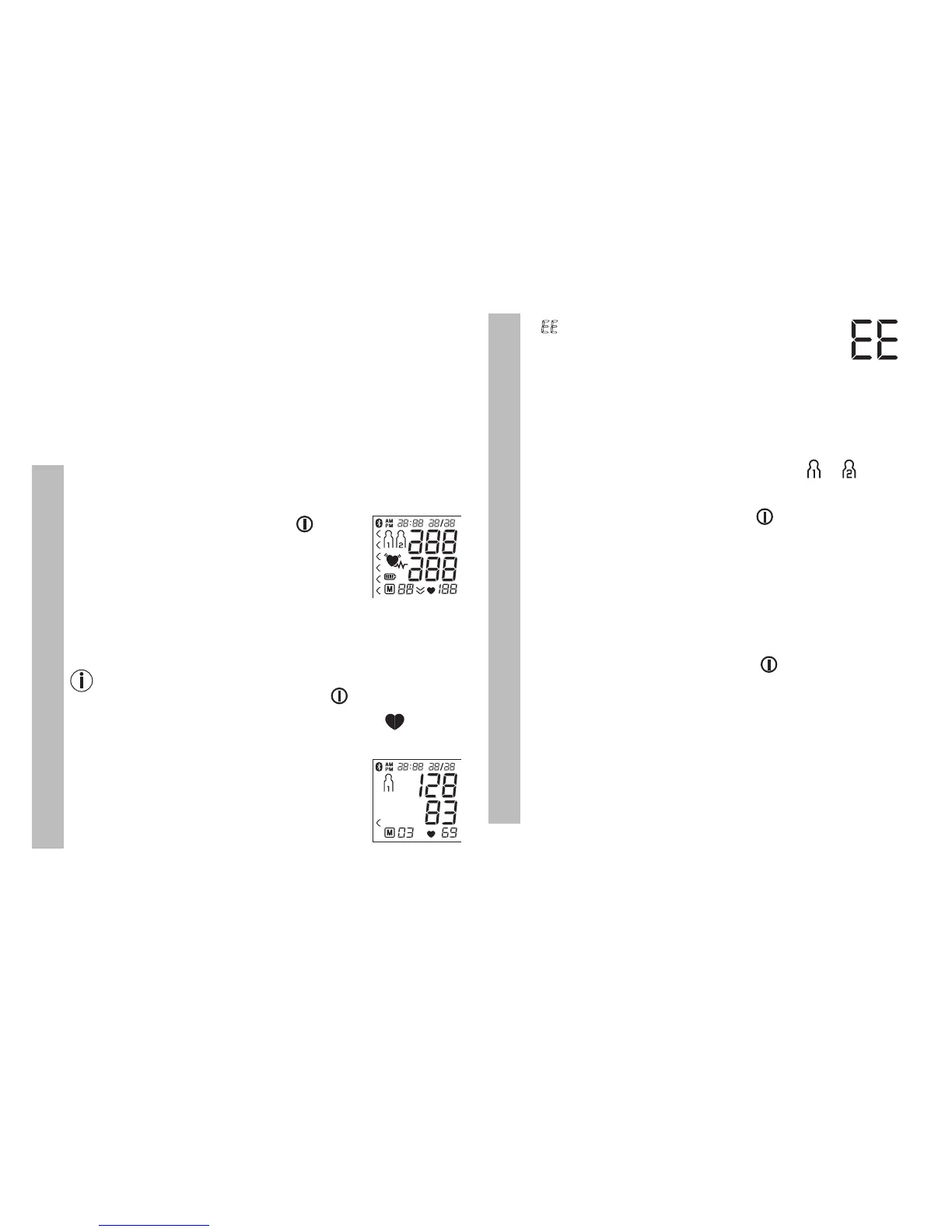
All display
elements are briefly displayed.
The blood pressure monitor will begin the
measurement automatically after 3 sec-
onds. The measurement is taken during the
inflation phase.
You can cancel the measurement at any time by
pressing the START/STOP button .
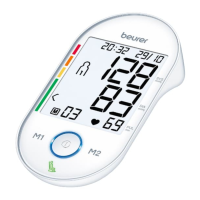
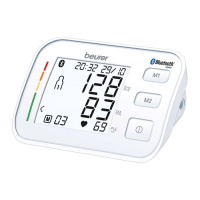
As soon as a pulse is found, the pulse symbol will be
displayed.
•
T
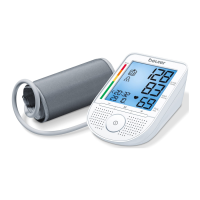
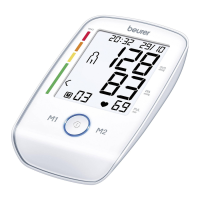
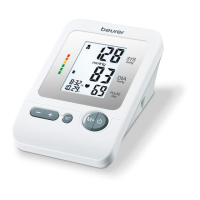
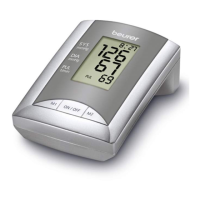
he systolic pressure, diastolic pres-
sure and pulse rate measurements are
displayed.
Measurement
•
E
E
appears if the measurement could
not be performed properly (see chapter
10 “Error messages/troubleshooting”).
Repeat the measurement.
•
N
ow select the desired user memory by pressing the
M1 or M2 memory buttons. If you do not select a user
memory, the measurement is stored in the most re-
cently used user memory. The relevant or symbol
appears on the display.
•
P
ress the START/STOP button to switch off the
blood pressure monitor. The measurement is then
stored in the selected user memory.
•
I
f the device is not switched off manually, it will switch
off automatically after approx. 1minute.
If Bluetooth
®
data transfer has been activated, data is
transferred after having confirmed the user memory and
pressing the START/STOP button .
The Bluetooth
®
symbol flashes on the display. The blood
pressure monitor now attempts to connect to the app for
approx. 30 seconds.
The Bluetooth
®
symbol stops flashing as soon as a
connection is established. All measurement data is auto-
matically transferred to the app. Once the data has been
successfully transferred, the device switches off.


 To Next Page