31
Deleting individual measurements
•
T
o clear individual measurements from the relevant
user memory, you must first select a user memory.
•
S
tart the retrieval of the individual measured values.
•
P
ress and hold the memory buttons M1 and M2 for
5seconds.
•
T
he selected value is deleted. The device briefly dis-
plays CL 00.
•
I
f you would like to delete other values, repeat the pro-
cess described above.
You can switch off the device at any time by pressing the
START/STOP button.
Transfer via Bluetooth
®
low energy technology
It is also possible to transfer the measured values saved on
the device to your smartphone using Bluetooth
®
low energy
technology.
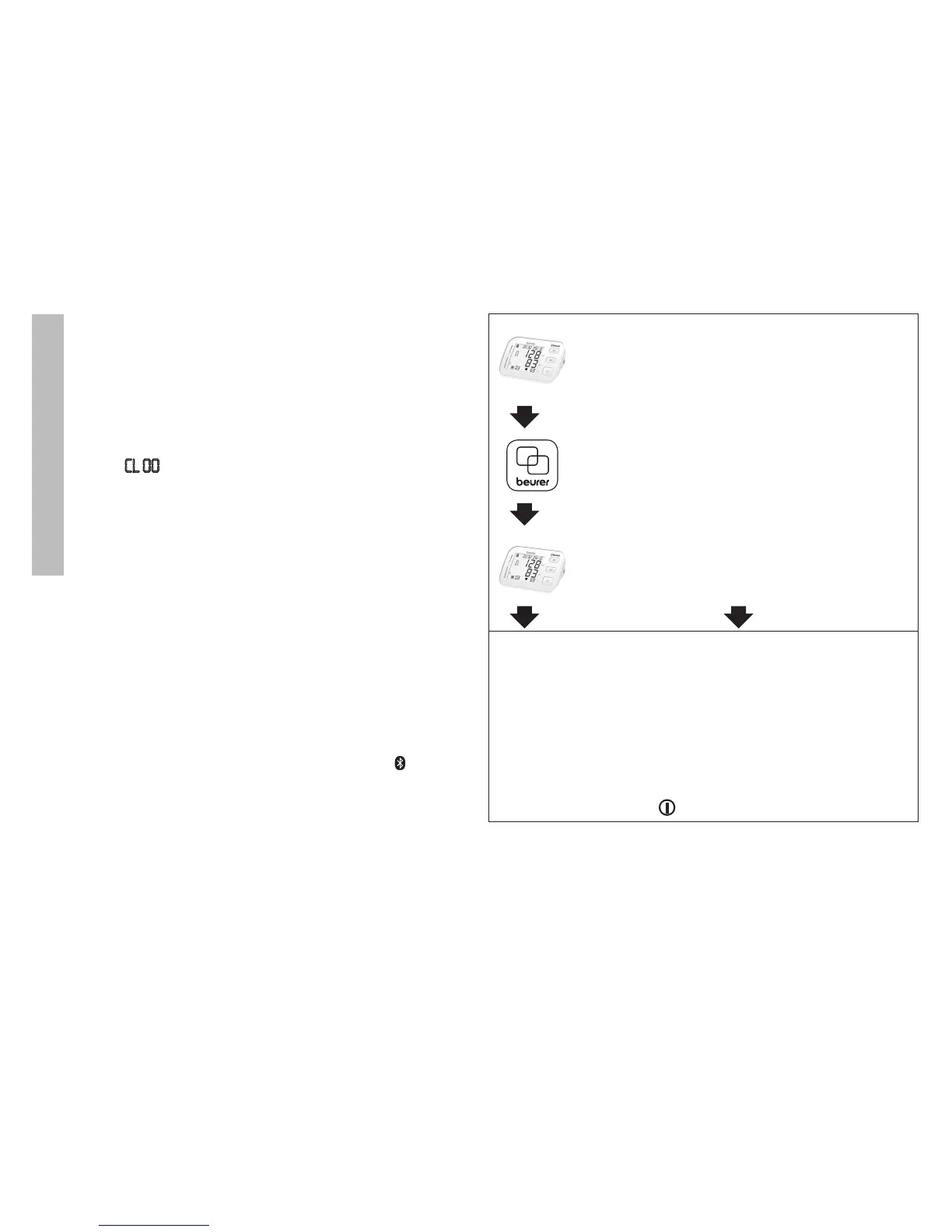
You will need the “beurer HealthManager”app for this. This is
available in the Apple App Store and from Google Play.
Proceed as follows to transfer values:
If Bluetooth
®
is activated in the settings menu, the data is
transferred automatically after the measurement. The symbol
appears in the top left of the display (see chapter 4 “Preparing
the measurement”).
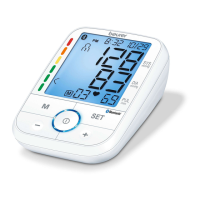
Step 1: BM 57
Activate Bluetooth
®
on your device (see
chapter 4 “Preparing the measurement, Blue-
tooth
®
”).
Step 2: “beurer HealthManager” app
In the “beurer HealthManager” app, add the
BM 57 under “Settings/My devices”.
Step 3: BM 57
take a measurement.
Step 4: BM 57
data transfer immediately
following measurements.
•
I
f Bluetooth
®
data trans-
fer has been activated,
data is transferred after
having confirmed the user
memory and pressing the
START/STOP button .
Step 4: BM 57
Data transfer at a later point:
•
G
o to memory mode
(chapter 7). Select the
desired user memory. The
Bluetooth
®
transfer starts
automatically.


 To Next Page