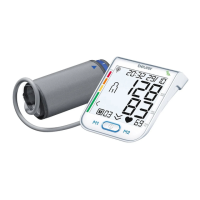
22
Average values
•
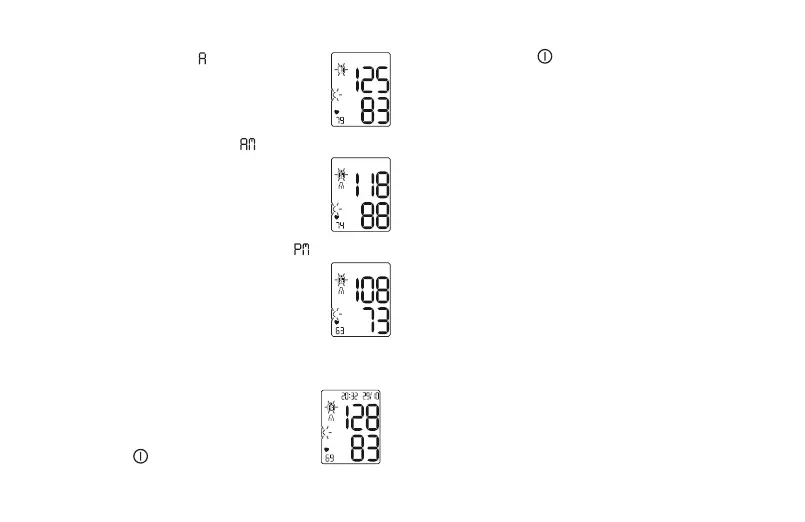
Press the M button. ’ ’ flashes on the
display. The average of all saved meas-
urements in the selected user memory
is displayed.
•
Press the M button again. ’ ’ flashes
on the display. The average value of the
morning measurements for the last sev-
en days is displayed (morning: 5:00 AM
– 9:00 AM).
•
Press the M button a third time. ’ ’
flashes on the display. The average val-
ue of the evening measurements for the
last seven days is displayed (evening:
6:00 PM – 8:00 PM).
Individual Measured Values:
•
Press the M button again and the last in-
dividual measurement is displayed.
•
To shut the device off, press the Start/
Stop button .
You can exit the menu at any time by pressing the
Start/Stop button .
Clearing Memory:
•
W
hen an individual stored measurement is displayed,
press and hold both the + and - buttons for five
seconds. All values in the selected user memory will
be deleted.
Copying Stored Measurements using
Bluetooth
®
1. Download and install the ‘beurer HealthCoach’
app from your device’s app store. Run the app and
make sure ’BM 76’ is selected under ’Settings/My
devices’.
2. Ensure Bluetooth
®
is activated on your device and
on the blood pressure monitor.
3. Access stored measurements on the unit as
described in the section ’Displaying and deleting
measurements’. Bluetooth
®
data transfer should
begin automatically if the two devices are paired
properly.


 To Next Page