35
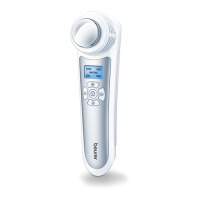
- For a 3-second application, press the activation button
5
once.
Half of the illuminated ring
4
lighting up blue indicates that the
application is starting. This short application time is recommended
for first use or use on sensitive skin.
- For a 6-second application, press the activation button
5
twice in
quick succession. The blue illuminated ring
4
is completely lit up
here and indicates that the treatment is starting. This application
time is recommended for regular use on normal skin.
3.
After the end of the application, an acoustic signal sounds, heating of the
heating plate
3
is automatically stopped and the blue illuminated ring
4
goes out. Remove the heating plate
3
from the area of skin once
the signal sounds.
4.
If you want to switch on the light, slide the ON/OFF switch
2
further
towards the heating plate
3
with the symbol; the light turns on.
The light is automatically switched o together with the device 2 min-
utes after use.
IMPORTANT
Depending on the sensitivity of the person using the device and of the area
of skin, the treatment temperature may feel unpleasant and cause slight
skin redness and, in rare cases, irritated skin. If the heat function feels too
hot, stop treatment immediately.



 To Next Page