5
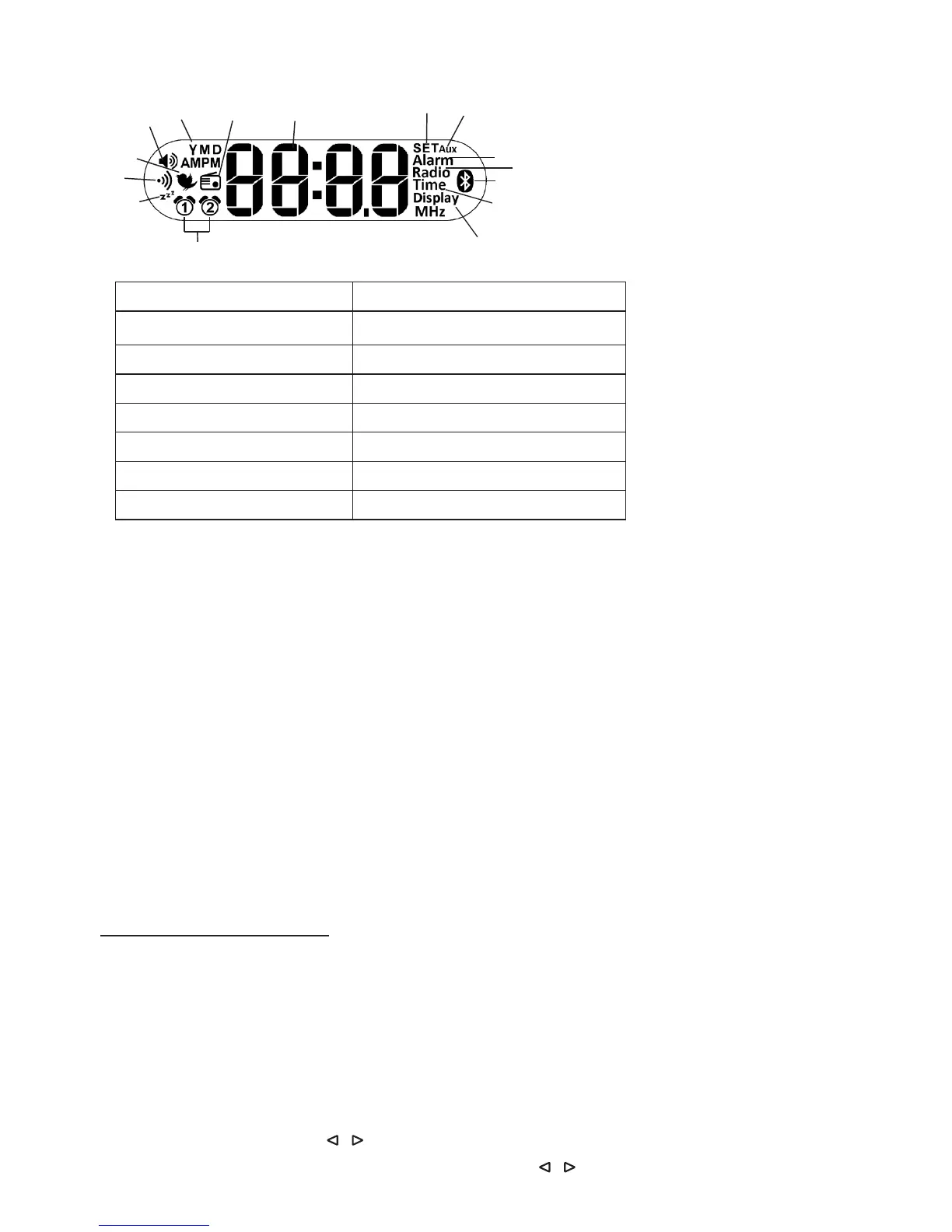
Display
1
2
3
4
5
6
7
8
9
10
12
13
14
15
11
1 Volume 9 Bluetooth
®
2 Year (Y)/Month (M)/Day (D) 10 Time
3 Radio alarm mode 11 Display
4 Time/Date/Radio frequency 12 Alarm memory space 1, 2
5 SET mode 13 ‘Sleep’ function
6 AUX mode 14 Beep
7 Alarm mode 15 Wake-up melody
8 Radio
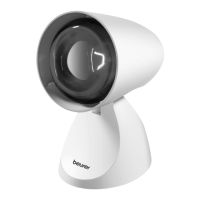
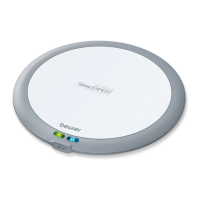
7. To Set Up
1. Remove the packaging material and check that all parts listed are present.
2. Download the free ‘beurer LightUp’ app from Apple App Store (for iOS devices) or Google Play
(for Android
TM
devices).
3. Place the device on a firm, even surface. The device must be placed near an easily accessible socket.
4. Insert the power adapter connector into the power adapter jack on the rear of the device.
5. Insert the power adapter into an electrical outlet. The time ‘0:00’ appears in the device display.
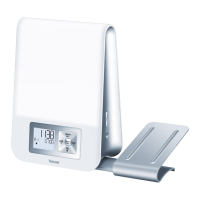
6. Place the antenna at the back.
7. Activate Bluetooth
®
on your smartphone.
8. Open the ‘beurer LightUp’ app and follow the instructions.
9. Once the WL 75 is connected, the time on the Wake-up Light will update.
8. Device Functions
You can set device functions using the ‘beurer LightUp’ app or the buttons on the Wake-up Light. We
recommend using the app whenever possible since it provides better function control and convenience. When
the Wake-up Light is connected to a smartphone, all the buttons on the Wake-up Light are locked. Once
the smartphone and Wake-up Light are disconnected, you can use the buttons on the Wake-up Light again.
8.1 Setting the time/date
NOTE:
You can set the time and date using the
‘
beurer LightUp’ app or the buttons on the Wake-up light.
If
you connect the Wake-up light to your smartphone using the ‘beurer LightUp’ app, the time and date are
automatically set on the Wake-up light.
To set the time using the buttons on the Wake-up light, proceed as follows:
1. Press the Set button on the device three times. ‘SET Time’ appears on the display. Wait three seconds
until the hour format ‘12 hr’ flashes on the display.
2. Set the hour format using the / buttons. Confirm with the Set button.
3. The hour value flashes in the display. Set the hour using the / buttons. Confirm with the Set button.


 To Next Page